5S for GCC Workspace and Digital Hygiene
September 17, 2026
Like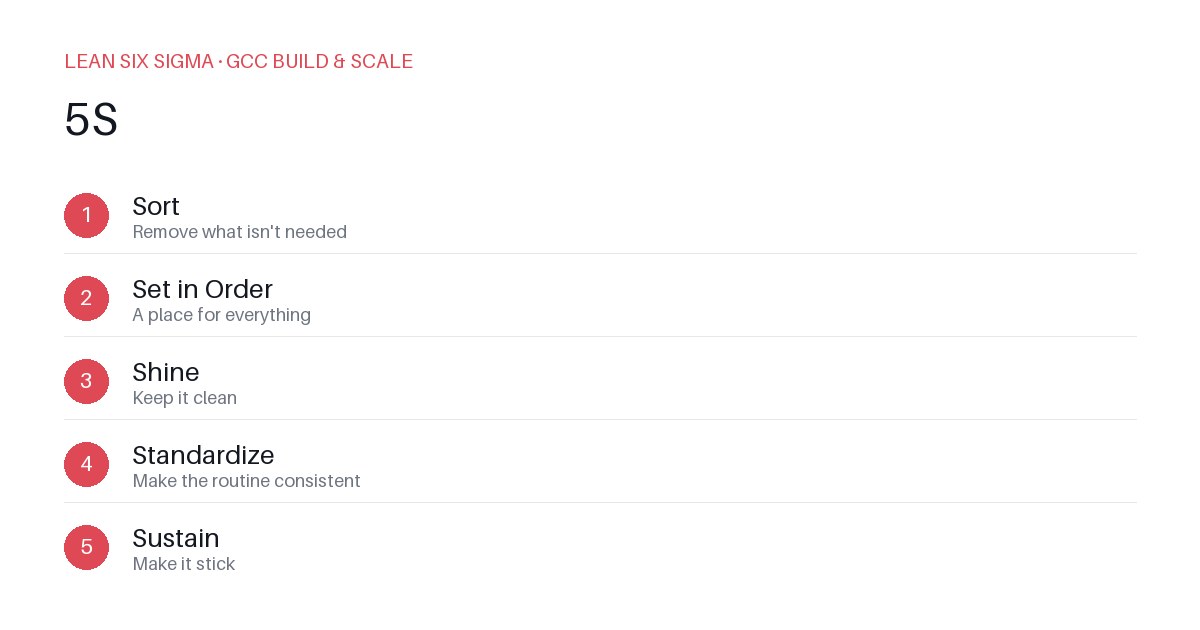
Downloadable templates
Apply 5S to eliminate clutter in GCC workspaces and digital environments for faster problem-solving.
Why 5S in a GCC Context
Global Capability Centers (GCCs) thrive on standardization and speed. Clutter—physical or digital—creates friction. When analysts spend time searching for the right dataset or navigating messy dashboards, cycle times increase and errors follow. Lean Six Sigma’s 5S method (Sort, Set in Order, Shine, Standardize, Sustain) is a practical tool to reduce waste and improve focus.
Sort: Eliminate the Unnecessary
Start by removing items that do not add value. In a physical workspace, this means clearing old reports, unused hardware, and outdated reference materials. Digitally, it means archiving obsolete scripts, removing redundant files from shared drives, and deactivating unused accounts.
Action Steps:
- Conduct a weekly audit of shared folders. Delete files older than 90 days that have no active use.
- Review access permissions monthly. Revoke access for employees who have moved roles or left the GCC.
- Implement a “keep, archive, delete” rule for all digital assets. Enforce it through automated scripts where possible.
Set in Order: Organize for Efficiency
Once clutter is removed, arrange what remains so that everything has a designated place. This applies to both physical tools and digital systems. Use labeled bins for physical materials and structured naming conventions for digital files.
Action Steps:
- Create a master directory structure for all GCC projects. Include folders for raw data, processed data, reports, and code.
- Use consistent naming formats (e.g.,
YYYY-MM-DD_ProjectName_Version). - Set up desktop shortcuts and bookmarks for frequently used tools. Update them quarterly.
Shine: Clean and Inspect
Regular cleaning prevents issues from compounding. In a GCC, this means maintaining clean workspaces and verifying the integrity of digital systems. Dust-free desks and uncluttered screens reduce distractions. Clean code and well-documented scripts reduce debugging time.
Action Steps:
- Schedule daily 10-minute “clean-up” sessions at the end of each workday.
- Implement automated code reviews and linting tools to enforce coding standards.
- Conduct monthly data quality checks to ensure datasets are accurate and complete.
Standardize: Create Consistent Processes
Standardization ensures that everyone follows the same procedures. This reduces variability and makes it easier to train new team members. Document all workflows and tools used in the GCC.
Action Steps:
- Develop a GCC playbook that outlines best practices for data handling, reporting, and collaboration.
- Use templates for common deliverables like dashboards and reports.
- Establish a change management process for updating tools and workflows. Document all changes and communicate them to the team.
Sustain: Maintain the Gains
The final step is to ensure that the improvements are maintained over time. This requires accountability and continuous improvement.
Action Steps:
- Assign ownership for each area of the workspace and digital environment. Make it clear who is responsible for maintaining each standard.
- Conduct regular audits to check compliance with 5S practices. Address any deviations immediately.
- Recognize and reward teams that consistently adhere to 5S principles. This reinforces the importance of the practice.
By applying 5S to both physical and digital aspects of a GCC workspace, teams can reduce waste, improve focus, and enhance overall productivity. Start small, measure the impact, and build from there.
Comments
Be the first to comment on this post.
Sign in to leave a comment.