5S for GCC Workspace and Digital Hygiene
August 18, 2026
Like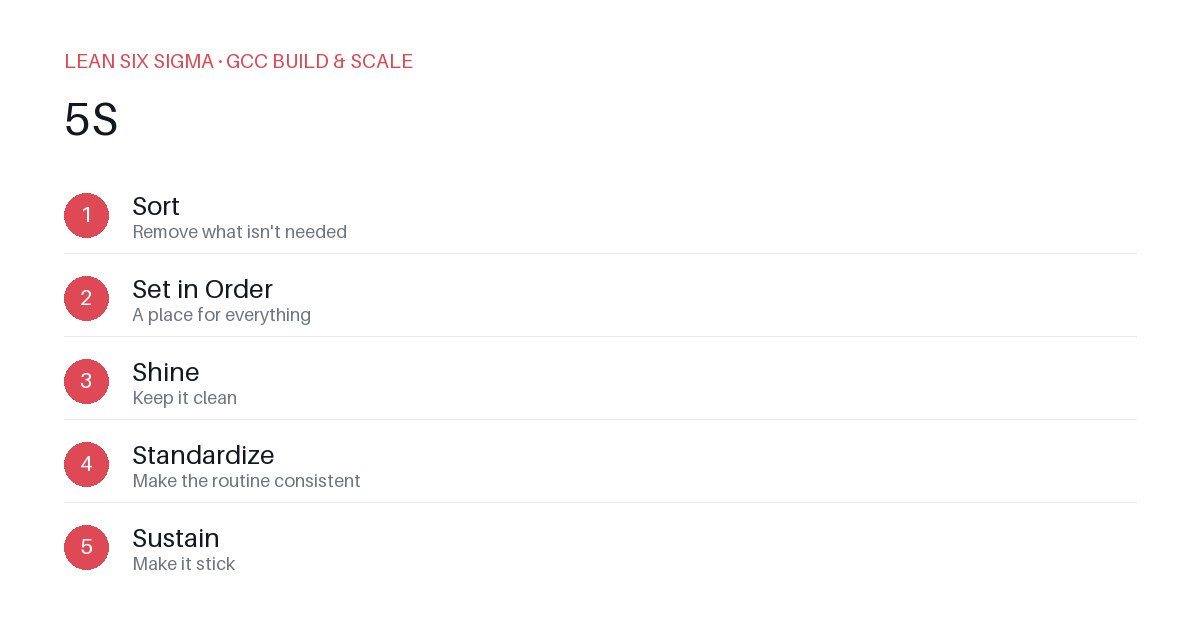
Downloadable templates
Apply 5S to GCC physical and digital spaces to eliminate waste and improve team productivity.
Why 5S Matters in a GCC
A Global Capability Center thrives on standardized processes and clear ownership. When your physical or digital workspace becomes cluttered, it creates hidden costs: time lost searching for files, duplicated efforts, and inconsistent handoffs. 5S is a lean tool that cuts through this chaos. It’s not about making your desk look neat; it’s about creating a system where the right information and tools are always where they belong.
Sort: Remove the Unnecessary
Start by auditing your GCC’s workspace. Look at shared drives, Jira boards, and physical desks. Ask: "Who needs this? When was it last used?"
- Physical: Remove broken monitors, outdated reference manuals, and expired training materials. If a tool isn’t used in the last 90 days, archive it.
- Digital: Delete old Jira epics, close unused Slack channels, and clean up shared folders with duplicate files. Set a rule: no file older than 18 months stays in active storage without a review tag.
Set in Order: Design for Flow
Once you’ve sorted, assign a home to every remaining item. In a GCC, this means standardizing how teams access resources.
- Physical: Label drawers and shelves clearly. Use color-coded bins for different project types (e.g., blue for QA, green for DevOps).
- Digital: Create a master directory structure for all shared drives. Use consistent naming conventions for files and folders. Set up automated backups and access controls to prevent drift.
Shine: Maintain Visibility
Clutter hides problems. Shine means keeping your workspace clean so issues are visible.
- Physical: Conduct weekly 10-minute clean-ups. Assign a "5S champion" per team to ensure compliance.
- Digital: Run automated scripts to flag stale files or unused accounts. Use dashboards to track access patterns and highlight bottlenecks.
Standardize: Build Consistency
Without standards, 5S efforts fade. Document your workspace layout and digital hygiene rules.
- Physical: Create visual guides for desk setups and tool placement. Use floor markers to define zones for different activities.
- Digital: Develop a playbook for creating new projects, folders, and channels. Require new team members to follow these standards from day one. Use version control and change logs to track modifications.
Sustain: Make It Stick
Sustainability is the hardest part. Tie 5S to your GCC’s performance metrics.
- Physical: Include workspace cleanliness in team reviews. Celebrate teams that maintain their 5S standards.
- Digital: Audit digital hygiene monthly. Tie results to process improvement goals. Use feedback loops to refine standards based on team input.
Concrete Steps to Start
- Pick a pilot area: Choose one team or project to test 5S. Measure time saved before and after.
- Document the baseline: Take photos of physical spaces and list digital assets. Note where waste occurs.
- Implement one step at a time: Start with Sort and Set in Order. Add Shine and Standardize as you gain momentum.
- Review and adjust: Hold a 30-minute retrospective after two weeks. Ask: "What’s working? What’s not?"
- Scale gradually: Once the pilot is stable, roll out 5S to the rest of the GCC. Provide training and support to ensure adoption.
Bottom Line
5S isn’t a one-time project. It’s a mindset that keeps your GCC lean and responsive. By applying it to both physical and digital spaces, you reduce waste, improve focus, and create a culture of continuous improvement. Start small, measure results, and scale what works.
Comments
Be the first to comment on this post.
Sign in to leave a comment.