5S for GCC Workspace and Digital Hygiene
October 9, 2026
Like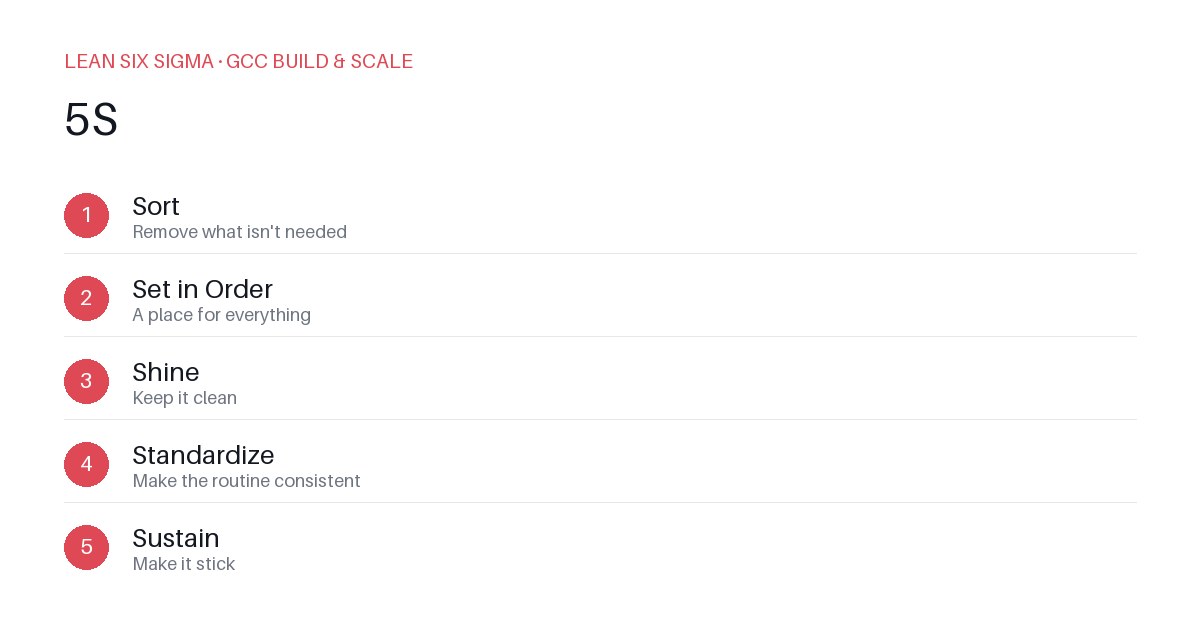
Downloadable templates
Apply 5S to your GCC workspace and digital tools to cut search time, reduce errors, and keep your team focused.
Why 5S Matters in a GCC
Global Capability Centers thrive on standardization. When teams waste time hunting for files or guessing which version of a process document is current, you lose momentum. 5S — Sort, Set in Order, Shine, Standardize, Sustain — is a lean tool that brings order to physical and digital workspaces. It’s not about perfection. It’s about predictability.
Sort: Remove the Noise
Start by asking: What do we actually need here?
- Archive outdated SOPs, old project files, and duplicate templates.
- Delete unused software licenses and redundant cloud storage links.
- Remove physical clutter: sticky notes, half-finished whiteboards, and outdated posters.
Rule of thumb: If it hasn’t been used in 90 days, move it to archive or delete it.
Set in Order: Make Things Findable
Once clutter is gone, assign a home to everything.
- Use consistent folder structures across shared drives. Example:
Project > Phase > Deliverable. - Label physical items: whiteboards, chairs, and storage bins should have clear labels.
- Create a single source of truth for process documentation. Link it from the team’s homepage.
Pro tip: Color-code folders or use tags so your team can scan and locate items in seconds.
Shine: Clean and Inspect
A clean workspace reduces distractions and signals respect for the work.
- Wipe down desks, keyboards, and shared screens.
- Run a weekly digital cleanup: delete temp files, clear old chat threads, and prune unused apps.
- Inspect tools: Is the shared calendar accurate? Are dashboards still pulling live data?
Shine isn’t just about appearance. It’s about ensuring your tools work as expected.
Standardize: Build the Habits
Now that you’ve sorted, organized, and cleaned, lock it in with standards.
- Create a 5S checklist for onboarding new team members.
- Define naming conventions for files, folders, and digital assets.
- Set up automated alerts for expired licenses or unused storage.
Standardization ensures that 5S isn’t a one-time project but a repeatable practice.
Sustain: Keep It Going
The hardest part of 5S is maintaining it. Without discipline, clutter returns.
- Assign a 5S champion in each team to monitor compliance.
- Schedule monthly 5S audits to catch drift early.
- Recognize teams that maintain clean workspaces and digital hygiene.
Sustain turns 5S into a cultural habit, not a checklist item.
Getting Started
Pick one workspace — a physical desk or a shared drive — and apply 5S this week. Measure the time saved on finding files or tools. Then scale the practice across your GCC. Order isn’t just neatness. It’s a competitive advantage.
Comments
Be the first to comment on this post.
Sign in to leave a comment.