5S for GCC Workspace and Digital Hygiene
October 15, 2026
Like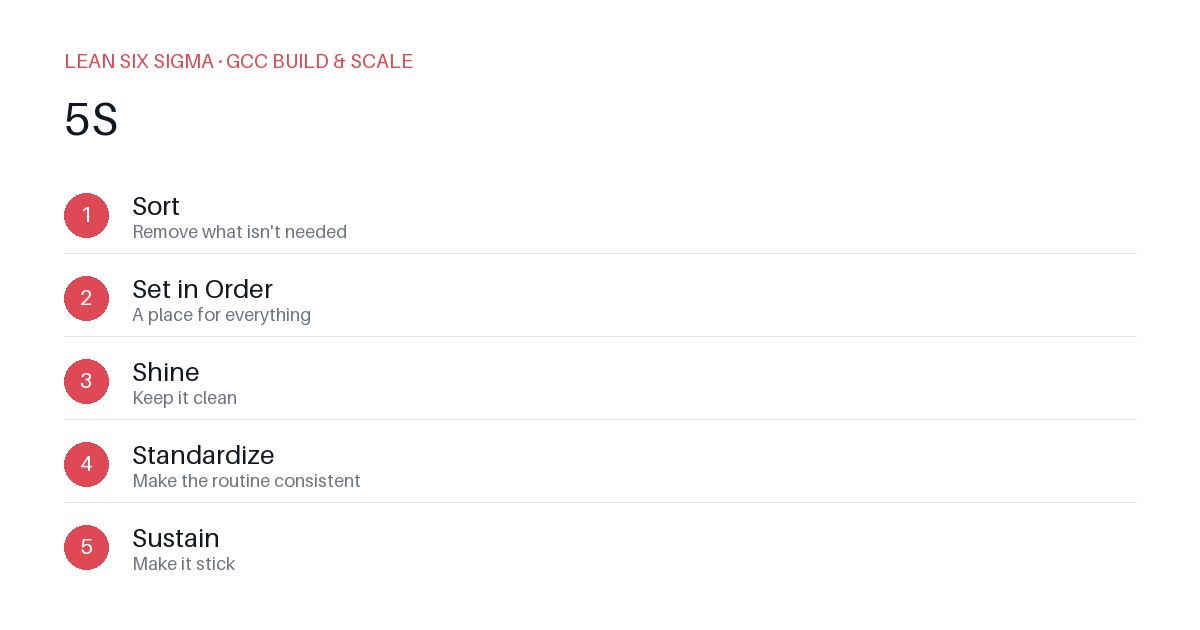
Downloadable templates
A practical walkthrough of applying 5S to real GCC build-and-scale work.
5S for GCC Workspace and Digital Hygiene
Why 5S Matters for GCC Teams
Scaling a Global Capability Center means standardizing work across sites, handoffs, and teams that have never worked together before. 5S gives you a shared vocabulary and a repeatable sequence for doing that. In a GCC environment, where processes are often duplicated or inconsistently documented, applying lean principles like 5S can significantly reduce cognitive load, minimize errors, and accelerate onboarding. It transforms chaotic workspaces — both physical and digital — into predictable, efficient systems that support high-performance execution.
The 5S Sequence
- Sort — Remove what isn't needed
- Set in Order — A place for everything
- Shine — Keep it clean
- Standardize — Make the routine consistent
- Sustain — Make it stick
Each step builds on the previous one, creating a compounding effect of clarity and control. When applied correctly, 5S doesn’t just tidy up — it creates a foundation for continuous improvement.
Applying It
Start small: pick one recurring pain point your GCC team hits every week, and walk it through these 5 steps before rolling the approach out more broadly. Download the template below to run your first pass.
Step 1: Sort — Remove What Isn’t Needed
Begin by auditing your current workspace or digital environment. Ask: What tools, documents, processes, or permissions are no longer used or necessary? In a GCC context, this might mean archiving outdated SOPs, removing redundant Slack channels, or eliminating duplicate dashboards. Eliminate anything that doesn’t directly support the team’s core objectives.
Step 2: Set in Order — A Place for Everything
Once clutter is removed, assign a logical, consistent location for each remaining item. This applies to physical spaces (e.g., labeling storage bins, organizing cables) and digital ones (e.g., structuring SharePoint folders, naming conventions for files, standardizing dashboard layouts). Use clear labels, consistent naming, and intuitive navigation so anyone can find what they need without asking.
Step 3: Shine — Keep It Clean
Cleanliness isn’t just aesthetic — it’s operational. Regularly review your workspace for dust, outdated info, or broken links. In digital hygiene, this means purging stale data, verifying permissions, and ensuring documentation is current. A clean environment reduces distractions and prevents errors caused by outdated or ambiguous information.
Step 4: Standardize — Make the Routine Consistent
Turn your cleaned-up system into a repeatable process. Create checklists, templates, and operating procedures that define how 5S should be maintained. For GCC teams, this might include standardizing how new hires onboard into shared drives, how project files are named, or how weekly standups are structured. Consistency ensures that the benefits of 5S aren’t lost over time.
Step 5: Sustain — Make It Stick
The hardest part of 5S is maintaining it. Assign ownership, schedule regular audits, and integrate 5S practices into daily workflows. Recognize teams that uphold the standards and address drift quickly. In a global GCC, sustainability comes from leadership commitment, clear accountability, and embedding 5S into performance metrics and team rituals.
Getting Started
Download the 5S GCC Workspace and Digital Hygiene template to map your current state, identify improvement areas, and track progress. Use it as a living document — revisit it monthly to ensure your workspace and digital habits remain aligned with your team’s evolving needs.
Comments
Be the first to comment on this post.
Sign in to leave a comment.