5S for GCC Workspace and Digital Hygiene
October 21, 2026
Like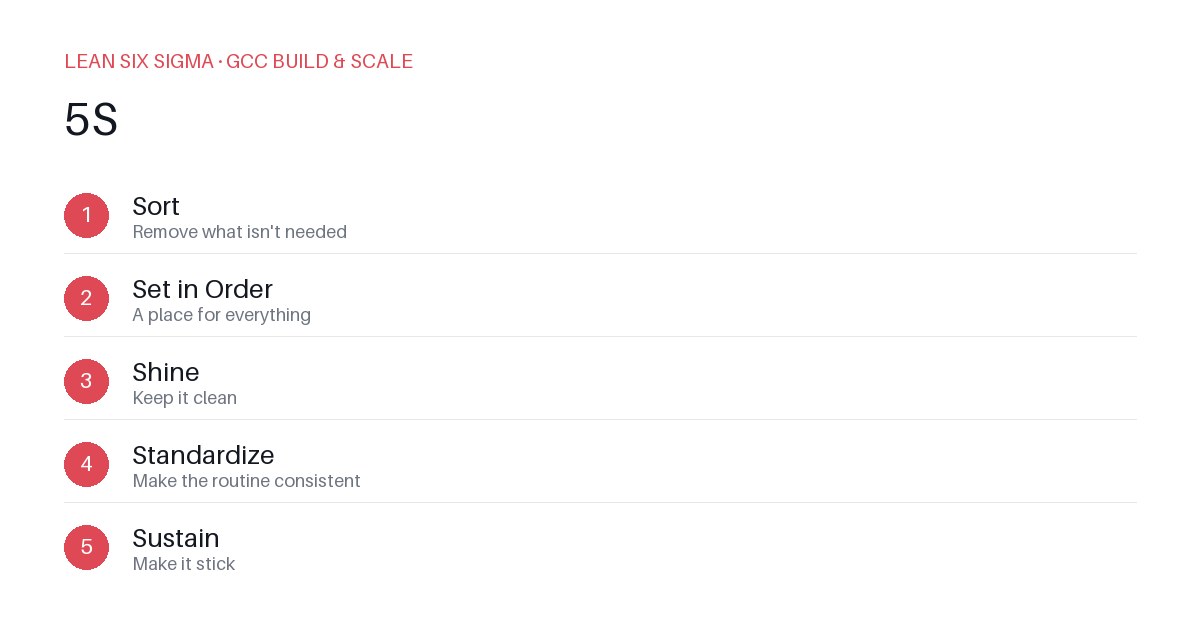
Downloadable templates
Cut clutter and cognitive load with 5S applied to physical and digital GCC workspaces.
Why 5S Matters in a GCC
Lean Six Sigma isn’t just for factories. In a Global Capability Center, chaos in your workspace or digital environment directly impacts cycle time, defect rates, and team morale. 5S—Sort, Set in order, Shine, Standardize, Sustain—is a practical framework to reduce waste before you even touch process improvement.
Sort: Eliminate the Unnecessary
Start by auditing what your team actually uses daily. In a GCC, this means both physical and digital items.
- Physical: Remove broken keyboards, unused monitors, and expired training materials from desks.
- Digital: Archive old Jira projects, delete duplicate Slack channels, and clear out unused shared drives.
Rule of thumb: If it hasn’t been used in 30 days, move it. If it’s never used, delete it. This step alone can cut search time by 20–30%.
Set in Order: Design for Flow
Once you’ve sorted, organize what remains for maximum efficiency. Every item should have a designated home.
- Physical: Label drawers with bin labels (e.g., "Cable Management," "Backup Drives"). Use cable ties and desk organizers to reduce visual noise.
- Digital: Standardize folder structures across all team drives. Use consistent naming conventions like
YYYY-MM-DD_ProjectName_DocType. Pin critical tools to the home screen.
Example: A GCC team reduced onboarding time by 40% when they standardized their shared drive structure and labeled every folder with a clear purpose.
Shine: Clean for Visibility
A clean workspace makes problems obvious. Dust, clutter, and disorganization hide defects.
- Physical: Wipe down monitors, organize cables, and ensure all equipment is fully functional.
- Digital: Clear browser tabs, close unused applications, and run disk cleanup tools.
Pro tip: Implement a 10-minute daily "shine" ritual. Teams that do this report fewer errors and faster issue resolution.
Standardize: Make It Repeatable
Consistency prevents backsliding. Document what works and make it the default.
- Physical: Create a visual standard for desk setup. Use photos or diagrams to show the ideal workspace.
- Digital: Automate repetitive tasks with scripts or templates. Use tools like Zapier or Power Automate to reduce manual data entry.
Example: A GCC standardized their daily stand-up format using a shared template. This reduced meeting drift and improved focus.
Sustain: Keep It Going
The hardest part of 5S is maintaining it. Without accountability, clutter returns.
- Physical: Assign "5S champions" to each team. They conduct weekly audits and coach peers.
- Digital: Schedule monthly digital cleanup sessions. Use tools like TreeSize to monitor disk usage.
Key metric: Track the time spent searching for information. If it’s decreasing, 5S is working.
Real-World Impact
A GCC in India applied 5S to their development workspace. Within three months:
- Reduced hardware setup time by 35%
- Cut incident response time by 20%
- Improved team satisfaction scores by 15 points
The secret? Start small. Pick one desk or one digital folder. Apply 5S. Measure the impact. Scale from there.
Comments
Be the first to comment on this post.
Sign in to leave a comment.