5S for GCC Workspace and Digital Hygiene
November 1, 2026
Like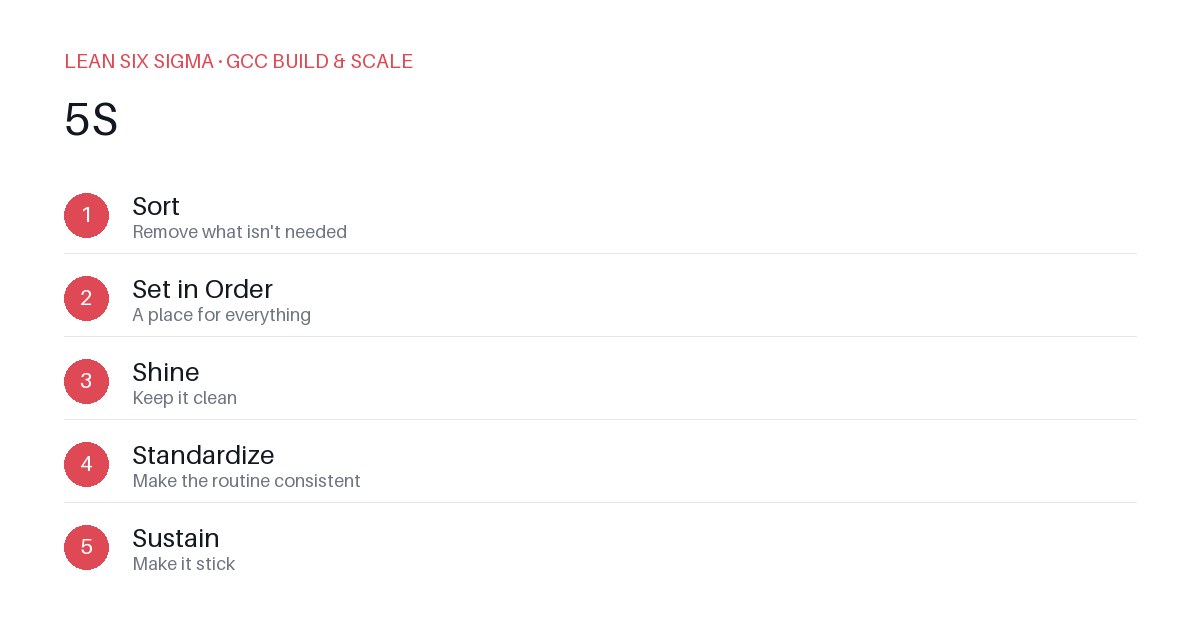
Downloadable templates
Apply 5S to GCC physical and digital workspaces to cut search time, reduce errors, and standardize operations across global teams.
The Problem: Clutter Costs Speed
Global Capability Centers (GCCs) thrive on standardization. But when teams work from dispersed locations or inherit messy digital environments, that standardization breaks. A developer spending 20 minutes finding a legacy script or a process owner hunting for the wrong version of a SOP slows delivery and increases rework. 5S — Sort, Set in Order, Shine, Standardize, Sustain — is often treated as a factory-floor tool. In a GCC context, it applies equally to physical desks and digital workspaces. Here’s how to implement it without adding overhead.
Step 1: Sort — Eliminate the Noise
Start by removing anything that doesn’t serve the current workflow.
- Physical: Clear desks of outdated manuals, duplicate hardware, and personal clutter. Keep only what’s needed for daily tasks.
- Digital: Archive old project folders, delete obsolete scripts, and remove duplicate documentation. Use search tools to identify unused resources before deleting.
Rule: If it hasn’t been used in 90 days, question its place. This reduces cognitive load and prevents accidental use of outdated materials.
Step 2: Set in Order — Label and Locate
Everything must have a defined home. Ambiguity breeds errors.
- Physical: Label drawers, shelves, and storage bins. Use color coding for different toolkits or project types.
- Digital: Enforce a consistent folder hierarchy across shared drives and repositories. Name files with version dates and owners. Use metadata tags for quick filtering.
Example: Instead of “Q3_Report_Final_v2.docx,” use “2024-09-30_Q3_Report_v2_Alice.docx.” This eliminates guesswork and speeds up audits.
Step 3: Shine — Maintain Visibility
Cleanliness isn’t just aesthetic; it’s about clarity.
- Physical: Wipe down screens, keyboards, and shared equipment daily. Check for damaged cables or faulty peripherals.
- Digital: Run periodic cleanup scripts to remove temporary files. Monitor storage quotas and archive inactive data.
Tip: Assign “shine” tasks to daily stand-ups. A two-minute review of workspace condition keeps standards high without extra meetings.
Step 4: Standardize — Make It Repeatable
turn ad-hoc habits into enforced processes.
- Physical: Create visual guides for desk setup. Use checklists for equipment inspections.
- Digital: Document naming conventions, folder structures, and access protocols. Embed these in onboarding materials and team playbooks.
Example: A shared template for all SOPs ensures consistency. New hires follow the same structure, reducing training time and version chaos.
Step 5: Sustain — Embed the Culture
5S fails without accountability. Make it part of the GCC rhythm.
- Physical: Conduct weekly 5S audits. Recognize teams that maintain high standards.
- Digital: Automate cleanup tasks where possible. Use dashboards to track adherence to naming conventions.
Rule: Tie 5S compliance to performance metrics. Teams that consistently apply 5S should see faster project turnaround and fewer errors. Celebrate wins publicly to reinforce the habit.
Real-World Impact
A GCC in India applied 5S to its digital workspace. Within three months, file retrieval time dropped by 40%, and onboarding new analysts took half the original duration. The key was treating 5S as a living system, not a one-time project. Start small, measure results, and scale what works.
Comments
Be the first to comment on this post.
Sign in to leave a comment.