5S for GCC Workspace and Digital Hygiene
August 25, 2026
Like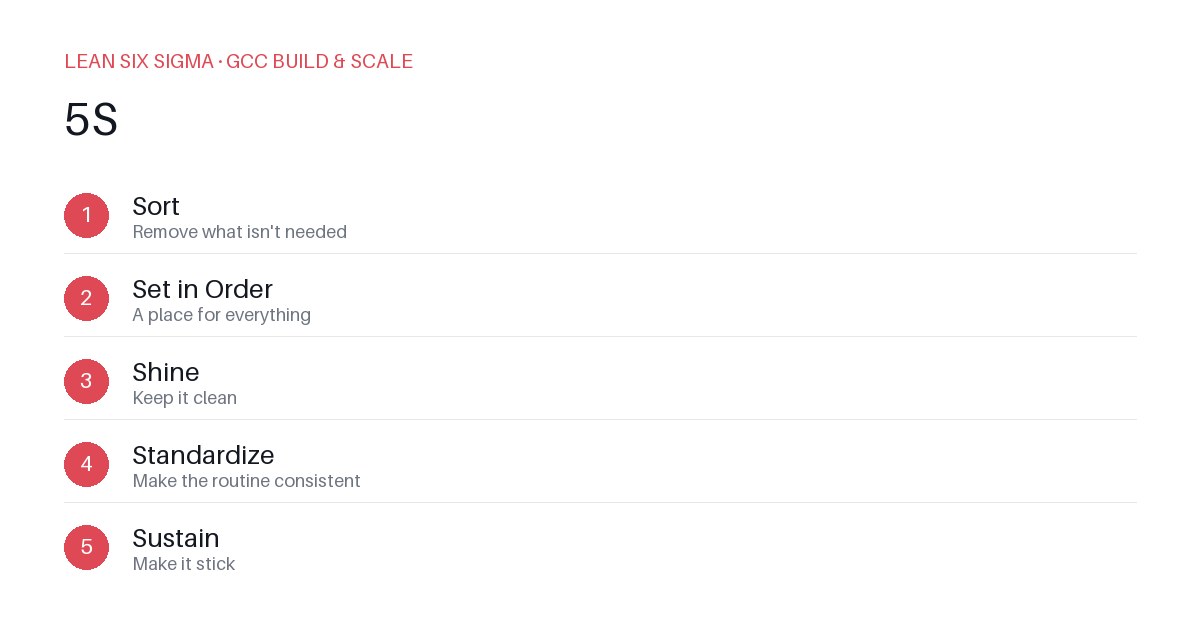
Downloadable templates
Apply 5S to your GCC workspace and digital tools to cut waste, reduce search time, and keep teams focused on value work.
Why 5S Matters in a GCC
Global Capability Centers thrive on efficiency. But efficiency dies when teams waste time hunting for files, untangling redundant dashboards, or deciding which tool to use next. 5S is not just a shop-floor tool. It’s a practical framework to clean up both physical and digital workspaces so your GCC operates like a lean machine.
Sort: Eliminate Clutter
Start by asking: Does every item, file, or tool belong here?
- Archive old project docs. If it hasn’t been used in 90 days, move it to cold storage.
- Delete duplicate dashboards. One source of truth per metric.
- Uninstall unused software. License costs and confusion add up.
Action: Run a 30-minute Sort sprint across one team. Tag items as Keep, Relocate, or Delete. Execute the Delete and Relocate immediately.
Set in Order: Standardize and Label
Once clutter is gone, give everything a home.
- Use consistent folder structures. Example: /Project /Date /Type.
- Label digital tools with clear purposes. “Sales Analytics Dashboard” beats “Dash_v2_final.xlsx.”
- Create a single landing page for GCC resources. No more digging through Slack channels.
Action: Draft a workspace map. Define where each tool, file, and responsibility lives. Share it with the team.
Shine: Maintain Visibility
A clean workspace is a visible one.
- Weekly 5-minute digital declutter sessions. Clear desktops, close tabs, update status boards.
- Use naming conventions that include dates and owners. “Q3_Report_Jane_2024.”
- Highlight critical files with badges or tags. Make important info stand out.
Action: Assign a “Shine Champion” per team. Their job is to keep the workspace tidy and visible.
Standardize: Build Consistency
Variability kills efficiency. Standardize how your GCC works.
- Create templates for common deliverables. Reports, dashboards, meeting notes.
- Document processes in a central wiki. No tribal knowledge.
- Set rules for tool usage. One email platform, one project tracker.
Action: Audit your top five processes. Identify where they diverge. Standardize the differences.
Sustain: Make It Stick
5S fails without discipline. Build habits, not just rules.
- Tie 5S to performance reviews. Recognize teams that maintain clean workspaces.
- Conduct monthly 5S audits. Celebrate improvements, not just perfection.
- Train new hires on 5S from day one. Culture starts with the onboarding.
Action: Schedule a 5S review in your next team meeting. Track progress and adjust as needed.
Next Steps
Start small. Pick one workspace or tool. Apply 5S. Measure the time saved. Then scale. Efficiency in a GCC isn’t about working harder. It’s about removing friction so your teams can focus on what matters.
Comments
Be the first to comment on this post.
Sign in to leave a comment.