5S for GCC Workspace and Digital Hygiene
September 12, 2026
Like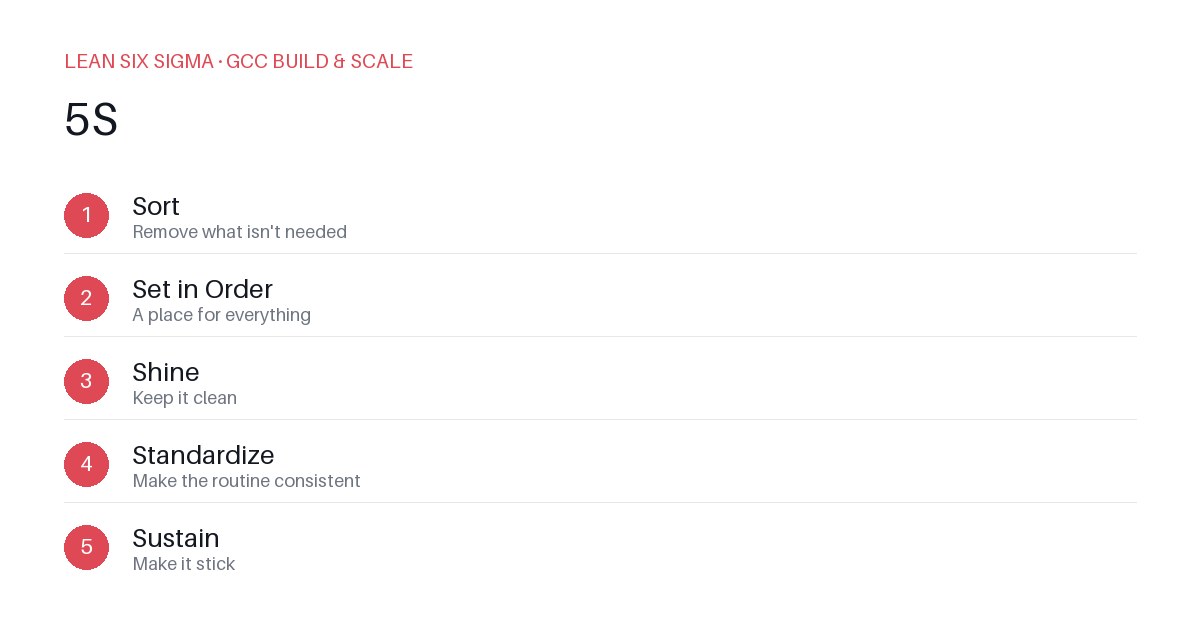
Downloadable templates
A practical walkthrough of applying 5S to real GCC build-and-scale work.
Why 5S Matters for GCC Teams
Scaling a Global Capability Center (GCC) means standardizing work across sites, handoffs, and teams that have never worked together before. In an environment where processes are often siloed, documentation is inconsistent, and digital tools proliferate without governance, 5S provides more than just a cleaning checklist — it offers a shared vocabulary and a repeatable sequence for aligning people, processes, and digital assets. When applied to both physical and virtual workspaces, 5S becomes a catalyst for operational maturity, reducing friction, minimizing errors, and accelerating time-to-value for new capabilities.
The 5S Sequence
- Sort — Remove what isn't needed
- Set in Order — A place for everything
- Shine — Keep it clean
- Standardize — Make the routine consistent
- Sustain — Make it stick
Applying It to Physical and Digital Workspaces
Start small: pick one recurring pain point your GCC team hits every week — such as duplicated files, outdated SOPs, cluttered Jira boards, or misconfigured development environments — and walk it through these five steps before rolling the approach out more broadly. The key is consistency of methodology, not perfection of outcome.
Sort: Eliminate Digital and Physical Clutter
In the physical workspace, this means removing broken monitors, unused cables, or outdated signage. In the digital workspace, it means auditing shared drives, deleting obsolete scripts, archiving old Confluence pages, and removing redundant Slack channels. Ask: “Does this asset add value to our current workflow?” If not, delete or archive it. For example, a GCC team might discover 12 versions of a deployment script scattered across Git branches and local machines — keeping only the latest, documented version reduces confusion and deployment risk.
Set in Order: Create Intuitive, Consistent Locations
Once clutter is removed, assign a logical, labeled home for every remaining item. In physical spaces, this might mean labeling storage bins, designating a “tool checkout” shelf, or mapping whiteboards to specific project phases. Digitally, this translates to standardized folder structures in SharePoint or OneDrive, consistent naming conventions for Jira projects, and pinned channels in Teams. A well-organized digital workspace should allow a new hire to find critical documentation within three clicks. Use visual cues like icons, color-coded labels, or automated metadata tags to reinforce location logic.
Shine: Maintain Cleanliness Through Routine Maintenance
“Shine” isn’t just about cleaning — it’s about establishing a rhythm of care. In physical spaces, this might mean daily 10-minute reset routines. Digitally, it means weekly audits of shared resources: deleting expired access tokens, reviewing stale dashboards, and flagging outdated runbooks. Train team members to “leave it better than they found it.” Automate where possible — for instance, use scripts to detect and report unused storage buckets or inactive CI/CD pipelines. Cleanliness here is proactive, not reactive.
Standardize: Build Repeatable Processes and Templates
Consistency breeds trust. Standardize how work is documented, tracked, and handed off. Create templates for incident reports, architecture decision records, and onboarding checklists. Enforce coding standards, review workflows, and approval gates. Use checklists to ensure no step is skipped during critical transitions. For example, standardizing the format of post-mortems across all GCC sites ensures lessons learned are captured uniformly and can be aggregated into organizational knowledge.
Sustain: Embed 5S into Culture and Accountability
Sustainability requires ownership. Assign 5S champions within each team to model behavior, conduct monthly reviews, and recognize improvements. Tie 5S compliance to performance metrics or onboarding evaluations. Celebrate wins — like a 30% reduction in search time for documentation or a 50% drop in duplicate tickets. Make 5S a living practice, not a one-time initiative.
Getting Started
Download the template below to run your first 5S pass. Focus on one workspace — physical or digital — and one process. Track before-and-after metrics: time spent searching for assets, error rates, or handoff delays. Share results across sites to build momentum. 5S isn’t about perfection; it’s about progress.
Comments
Be the first to comment on this post.
Sign in to leave a comment.