5S for GCC: Declutter Workspaces, Boost Team Velocity
October 17, 2026
Like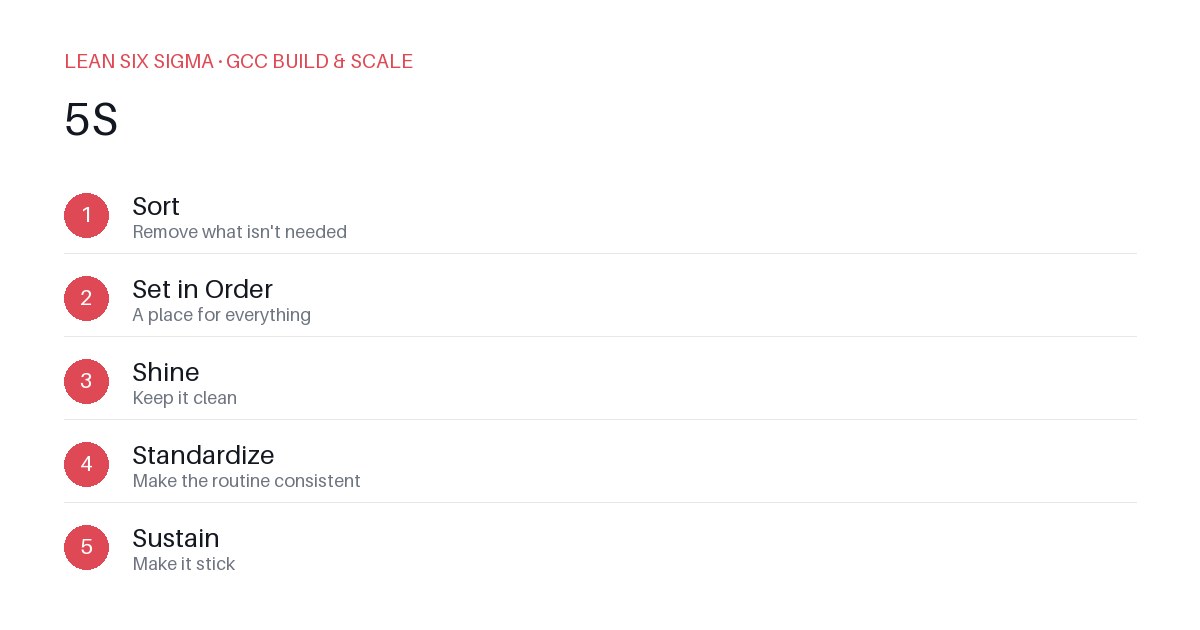
Downloadable templates
Apply 5S to your GCC workspace and digital tools to reduce search time, prevent errors, and keep teams focused on high-value work.
Why 5S Matters in a GCC
Global Capability Centers thrive on standardization and efficiency. But when workspaces—physical or digital—become cluttered, that efficiency evaporates. 5S (Sort, Set in Order, Shine, Standardize, Sustain) isn’t just for manufacturing floors. It’s a practical framework to keep your GCC’s operations lean and predictable.
Sort: Remove What Doesn’t Add Value
Start by auditing every tool, document, and process in your GCC. Ask: Does this directly support our core capabilities? If not, archive or delete it.
- Physical: Clear desks of old cables, unused hardware, and outdated posters. Keep only what’s needed for daily work.
- Digital: Unsubscribe from irrelevant newsletters. Archive outdated Confluence pages. Delete duplicate Slack channels. A cluttered digital workspace slows decision-making.
Example: A team spent 20 minutes daily searching for the latest SOP. After sorting, they found the correct version in under 2 minutes.
Set in Order: Design for Easy Use
Once clutter is gone, organize what remains so it’s intuitive. Everything should have a designated place.
- Physical: Label shelves, use cable management, and set up ergonomic workstations. A well-organized desk reduces distractions and physical strain.
- Digital: Create consistent folder structures in shared drives. Use naming conventions for documents. Set up templates for recurring tasks. A standardized digital workspace ensures anyone can find what they need.
Example: A GCC implemented a standardized folder hierarchy for project docs. Onboarding time for new hires dropped by 30%.
Shine: Maintain Cleanliness
Cleanliness isn’t just about aesthetics—it’s about reliability. A clean workspace reduces errors and boosts morale.
- Physical: Schedule regular cleaning sessions. Encourage teams to tidy up after each task. A clean desk signals a clear mind.
- Digital: Regularly update and validate digital tools. Remove broken links. Update dashboards with current data. A clean digital workspace prevents frustration and miscommunication.
Example: A team held a weekly “digital cleanup” session. They removed 50+ unused files and updated outdated dashboards, reducing errors by 20%.
Standardize: Make It Repeatable
Consistency is key. Standardize your 5S practices so they become part of your GCC’s culture.
- Physical: Create visual management boards. Use color-coded labels. Set up checklists for daily tasks.
- Digital: Automate repetitive tasks. Use version control for documents. Set up alerts for outdated content. A standardized digital workspace ensures consistency across teams.
Example: A GCC implemented a visual management board for daily tasks. They reduced task completion time by 25%.
Sustain: Keep It Going
The hardest part of 5S is sustaining it. Make it a habit, not a one-time project.
- Physical: Assign 5S champions. Conduct regular audits. Reward teams for maintaining cleanliness.
- Digital: Schedule regular reviews of digital tools. Update standard operating procedures. Train new hires on 5S practices. A sustained digital workspace ensures long-term efficiency.
Example: A team assigned a 5S champion to each project. They held monthly audits and rewarded teams for maintaining cleanliness. Over six months, they reduced errors by 40%.
Comments
Be the first to comment on this post.
Sign in to leave a comment.