Control Plans for GCC Process Stability
November 3, 2026
Like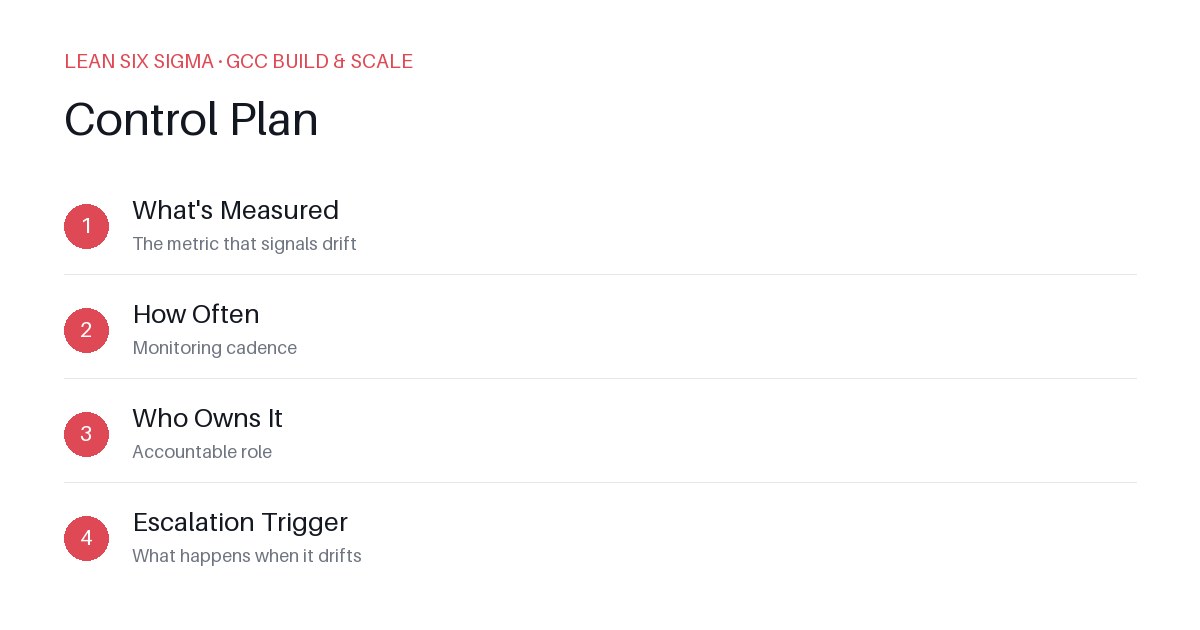
Downloadable templates
A practical walkthrough of applying Control Plan to real GCC build-and-scale work.
Why Control Plan Matters for GCC Teams
Scaling a Global Capability Center means standardizing work across sites, handoffs, and teams that have never worked together before. Control Plan gives you a shared vocabulary and a repeatable sequence for doing that. Without it, you end up with tribal knowledge, inconsistent expectations, and reactive firefighting instead of proactive stability. A Control Plan isn’t just a document — it’s an operating rhythm that aligns accountability, visibility, and response protocols across distributed teams.
The Control Plan Sequence
-
What's Measured — The metric that signals drift
This isn’t about vanity metrics. It’s about leading indicators that reveal when a process is slipping before it impacts delivery or quality. For example, if your GCC team handles incident triage, the metric might be “time to first response” or “percentage of tickets resolved within SLA.” If you’re managing release coordination, it could be “build success rate” or “deployment rollback frequency.” The key is specificity: your metric must be observable, actionable, and tied to business impact. -
How Often — Monitoring cadence
Frequency should match the velocity and risk of the process. High-velocity, high-risk workflows (like daily deployments) may require hourly or per-cycle checks. Lower-frequency processes (like monthly compliance audits) might be reviewed weekly or biweekly. The cadence must be sustainable — if your team can’t realistically monitor it at the stated interval, the plan will fail. Automate where possible, but never let automation replace human judgment in interpreting anomalies. -
Who Owns It — Accountable role
Ambiguity here is the #1 reason Control Plans break down. Assign a single accountable owner per metric, not a shared responsibility. This person doesn’t necessarily do the work — they’re responsible for ensuring the metric is tracked, reviewed, and acted upon. They must have the authority to request support and the visibility to escalate when needed. Document this clearly in your plan so there’s no “bystander effect” during incidents. -
Escalation Trigger — What happens when it drifts
Define explicit thresholds that trigger action. For example: “If incident response time exceeds 30 minutes for two consecutive days, escalate to GCC Lead.” Avoid vague language like “if things look bad.” Instead, use data-driven rules that eliminate hesitation. Include the escalation path, contact points, and expected resolution steps. This turns uncertainty into a repeatable response protocol.
Applying It
Start small: pick one recurring pain point your GCC team hits every week, and walk it through these 4 steps before rolling the approach out more broadly. Download the template below to run your first pass.
To make this stick, run a 30-minute “Control Plan Sprint” with your core team. Map out the metric, agree on the cadence, assign ownership, and define triggers. Review it in your next team standup. After two weeks, assess: Did the metric improve? Was the escalation clear? Was the owner effective? Iterate based on real usage, not theory.
Over time, layer additional Control Plans for other critical workflows. Build a living repository — not a static wiki page. Link each plan to runbooks, dashboards, and post-mortems. When new team members join, onboard them with the Control Plan, not just the tools. This creates institutional memory that survives turnover and scales with complexity.
Control Plans aren’t about bureaucracy. They’re about predictability in chaos. In a GCC environment where context switches are constant and stakes are high, a few well-defined Control Plans can reduce cognitive load, accelerate onboarding, and turn reactive teams into proactive guardians of process stability.
Comments
Be the first to comment on this post.
Sign in to leave a comment.