Control Plans for GCC Process Stability
November 5, 2026
Like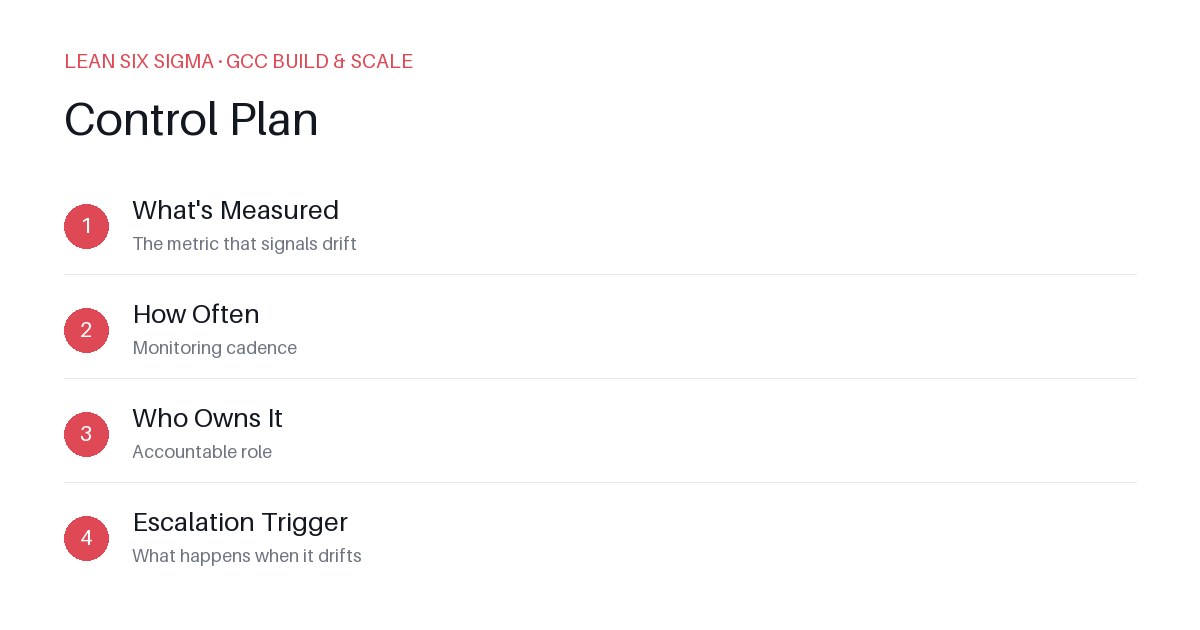
Downloadable templates
A practical walkthrough of applying Control Plan to real GCC build-and-scale work.
Why Control Plan Matters for GCC Teams
Scaling a Global Capability Center means standardizing work across sites, handoffs, and teams that have never worked together before. Control Plan gives you a shared vocabulary and a repeatable sequence for doing that. When you’re managing distributed talent, inconsistent processes, and shifting priorities, ad-hoc solutions quickly become bottlenecks. A Control Plan transforms reactive firefighting into proactive governance. It ensures that when something breaks, everyone knows exactly what to measure, how often to check, who is responsible, and what to do next. This structure reduces ambiguity, accelerates resolution times, and builds trust among cross-functional stakeholders who may not share the same operational context.
The Control Plan Sequence
-
What's Measured — The metric that signals drift
Choose a leading or lagging indicator that clearly reflects process health or output quality. For example, in a GCC team handling incident triage, “time to first response” or “percentage of tickets resolved within SLA” could serve as your primary metric. Avoid vanity metrics; focus on what directly impacts stakeholder trust or operational continuity. -
How Often — Monitoring cadence
Define a realistic frequency that balances visibility with overhead. Daily checks may be necessary for high-risk processes, while weekly or monthly reviews might suffice for stable workflows. Align cadence with your team’s capacity and the criticality of the metric. Over-monitoring breeds fatigue; under-monitoring invites blind spots. -
Who Owns It — Accountable role
Assign clear ownership to a specific individual or role, not a vague “team” or “department.” Ownership implies decision-making authority and responsibility for follow-through. For instance, instead of saying “the engineering team owns uptime,” specify “the Platform Reliability Lead owns uptime metrics and owns escalation decisions.” This eliminates diffusion of responsibility and speeds up accountability. -
Escalation Trigger — What happens when it drifts
Define precise thresholds and actions that activate when metrics deviate from acceptable ranges. For example, if “ticket resolution time” exceeds 48 hours for three consecutive days, escalate to the GCC Operations Director and initiate a root-cause review. Escalation paths must be pre-agreed, documented, and communicated to all stakeholders to prevent hesitation during crises.
Applying It
Start small: pick one recurring pain point your GCC team hits every week, and walk it through these 4 steps before rolling the approach out more broadly. Download the template below to run your first pass.
Example: Implementing a Control Plan for Code Review Turnaround Time
- What's Measured: Average time from PR submission to approval
- How Often: Tracked daily via CI/CD dashboard; reviewed weekly in team syncs
- Who Owns It: Senior Developer Advocate (responsible for nudging reviewers and removing blockers)
- Escalation Trigger: If average turnaround exceeds 24 hours for two consecutive days, escalate to Engineering Manager and schedule a retrospective on review bottlenecks
This simple framework turns an abstract process into a measurable, owned, and actionable system. As you refine it, you’ll notice faster resolution cycles, clearer accountability, and more predictable outcomes across your GCC operations.
Scaling the Approach
Once your first Control Plan proves effective, replicate the structure across other critical processes. Integrate these plans into your team’s onboarding, sprint planning, and performance reviews. Use visual dashboards to display metrics in real time, fostering transparency and collective ownership. Over time, Control Plans evolve from compliance tools into strategic enablers—driving continuous improvement, reducing operational risk, and empowering your GCC to scale without sacrificing stability.
Comments
Be the first to comment on this post.
Sign in to leave a comment.