Kaizen Habits for Distributed GCC Teams
October 4, 2026
Like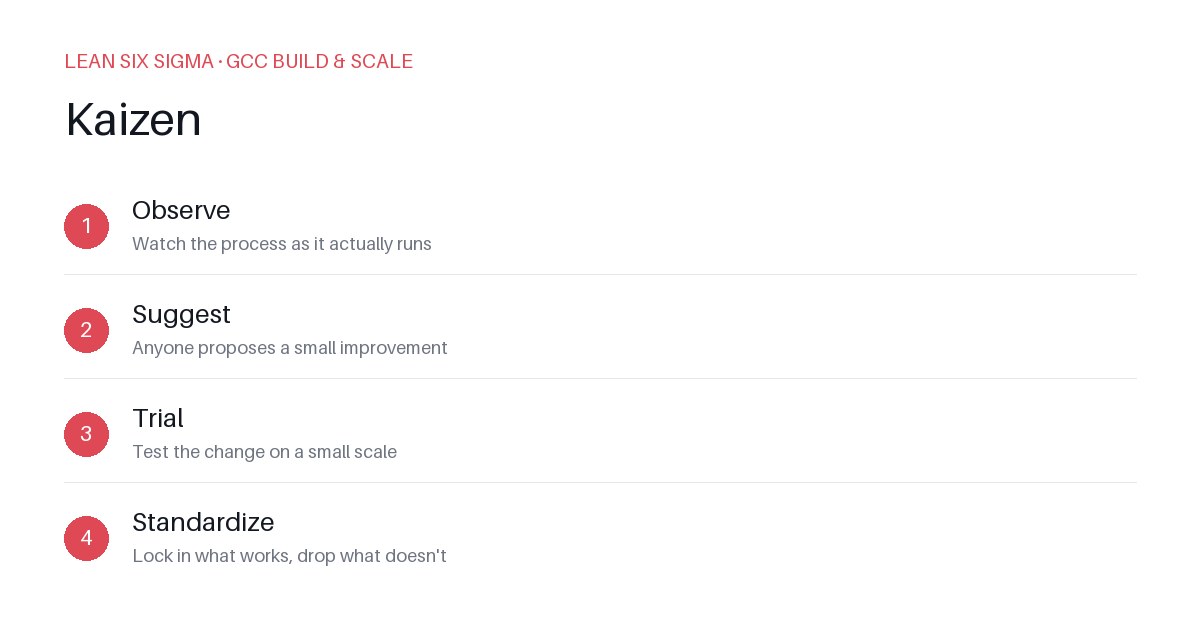
Downloadable templates
A practical walkthrough of applying Kaizen to real GCC build-and-scale work.
Kaizen Habits for Distributed GCC Teams
Why Kaizen Matters for GCC Teams
Scaling a Global Capability Center means standardizing work across sites, handoffs, and teams that have never worked together before. Kaizen gives you a shared vocabulary and a repeatable sequence for doing that. In distributed environments, where time zones, cultural norms, and tooling vary, ad-hoc problem solving often leads to fragmented processes and repeated friction. Kaizen introduces discipline without bureaucracy. It turns “we need to fix this” into a structured, collaborative exercise that anyone can lead, regardless of location or seniority.
The Kaizen Sequence
- Observe — Watch the process as it actually runs. This isn’t about theory; it’s about documenting the current state, including workarounds, delays, and handoff gaps. In a GCC context, this might mean shadowing a developer in Tokyo while a QA engineer in Bangalore waits on a test environment.
- Suggest — Anyone proposes a small improvement. Encourage cross-functional input: engineers, ops, product, and even external partners can contribute. The key is that suggestions must be specific, actionable, and scoped to a single pain point.
- Trial — Test the change on a small scale. Run a pilot with one team or one project cycle. Measure impact using simple metrics: cycle time, defect rate, or handoff latency. If the trial fails, document why and iterate.
- Standardize — Lock in what works, drop what doesn’t. Update runbooks, automate where possible, and communicate the new baseline across all sites. Standardization ensures gains are sustained, not lost to drift.
Applying It in Practice
Start small: pick one recurring pain point your GCC team hits every week, and walk it through these 4 steps before rolling the approach out more broadly. Common starting points include:
- Handoff delays between development and QA teams across regions
- Environment provisioning bottlenecks causing idle time
- Documentation gaps leading to repeated clarification requests
For example, if your team notices that code reviews take three days on average due to asynchronous feedback loops, you might:
- Observe by tracking review timestamps and identifying where comments stall.
- Suggest introducing a 24-hour SLA for initial review with a “no-block” flag for non-critical items.
- Trial this with one squad for two weeks, measuring average review time and developer satisfaction.
- Standardize by updating the team’s workflow guidelines and embedding the SLA into your CI/CD dashboard alerts.
Download the template below to run your first pass. It includes prompts for each step, space for metrics, and a feedback loop for post-trial review. Consistency matters more than perfection—repeat the cycle, refine the process, and watch your GCC operate as a cohesive unit rather than a collection of silos.
Comments
Be the first to comment on this post.
Sign in to leave a comment.