PDCA Loops for GCC Vendor Governance
August 18, 2026
Like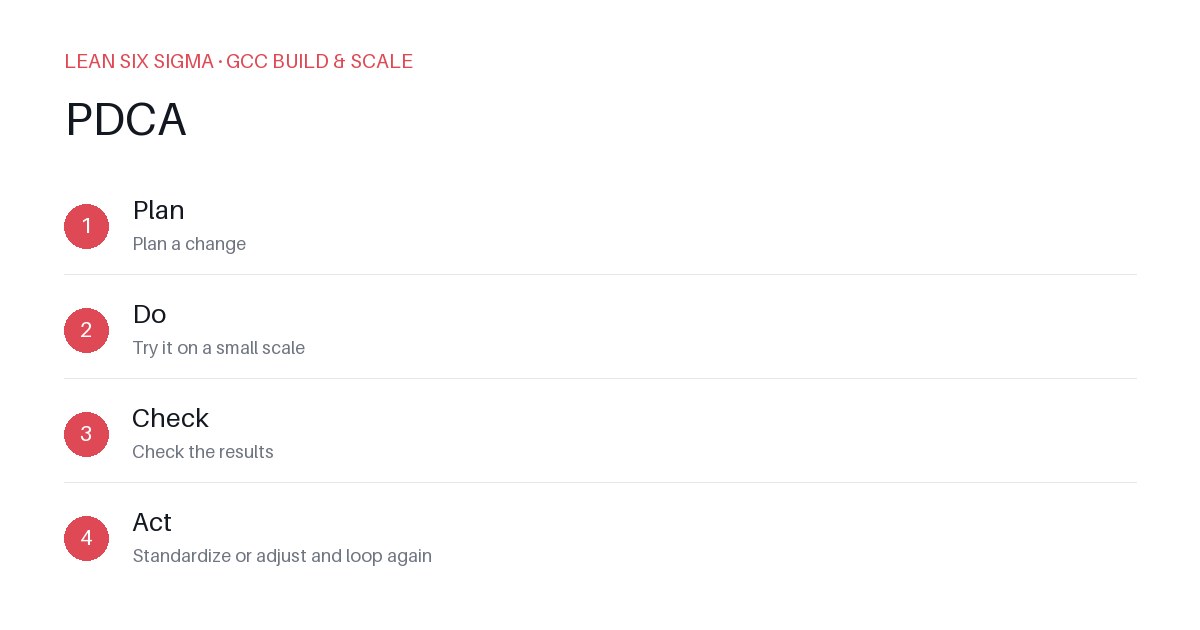
Downloadable templates
A practical walkthrough of applying PDCA to real GCC build-and-scale work.
PDCA Loops for GCC Vendor Governance
Why PDCA Matters for GCC Teams
Scaling a Global Capability Center means standardizing work across sites, handoffs, and teams that have never worked together before. PDCA gives you a shared vocabulary and a repeatable sequence for doing that. In the context of vendor governance, where multiple third-party partners deliver critical services, PDCA becomes a disciplined framework for continuous improvement. It helps GCC teams identify inefficiencies, test adjustments, measure outcomes, and embed best practices into ongoing vendor management routines.
The PDCA Sequence
- Plan — Plan a change
- Do — Try it on a small scale
- Check — Check the results
- Act — Standardize or adjust and loop again
Applying It
Start small: pick one recurring pain point your GCC team hits every week, and walk it through these 4 steps before rolling the approach out more broadly. Download the template below to run your first pass.
Step 1: Plan — Define the Vendor Governance Change
In the planning phase, clearly articulate what aspect of vendor governance you want to improve. Common pain points include inconsistent SLA reporting, delayed onboarding of new vendors, or lack of visibility into vendor performance metrics.
- Identify the problem: For example, “Vendor onboarding takes an average of 14 days, which delays project kickoffs.”
- Set measurable objectives: “Reduce onboarding time to 7 days within two cycles.”
- Define scope and resources: Determine which vendors are in scope, who will be involved, and what tools or processes will be used.
- Anticipate risks: Consider potential roadblocks like resistance from legacy processes or insufficient tooling.
Step 2: Do — Implement the Change on a Small Scale
Choose a pilot group or a single vendor relationship to test your proposed change. This could involve introducing a new onboarding checklist, automating a manual approval step, or implementing a standardized communication protocol.
- Execute the pilot: Roll out the change to one vendor or one project team.
- Document the process: Capture every step taken, including deviations from the original plan.
- Collect raw data: Track time, error rates, stakeholder feedback, and any unexpected challenges.
Step 3: Check — Evaluate the Results
After the pilot, analyze whether the change achieved its intended effect. Compare actual outcomes against the objectives set in the planning phase.
- Measure performance: Did onboarding time decrease? Were there fewer errors or rework instances?
- Gather feedback: Survey internal stakeholders and the vendor to understand their experience.
- Identify gaps: If the target wasn’t met, determine why. Was the timeline unrealistic? Were there unforeseen dependencies?
- Document findings: Summarize what worked, what didn’t, and why.
Step 4: Act — Standardize or Adjust and Loop Again
Based on the check phase, decide whether to standardize the change across all vendors or refine it further.
- If successful: Update standard operating procedures, train teams, and integrate the change into ongoing vendor governance workflows.
- If partial success: Make targeted adjustments and plan another PDCA cycle.
- If unsuccessful: Revisit the plan, consider alternative approaches, and restart the cycle.
Remember, PDCA is not a one-time initiative but a continuous improvement loop. Each cycle builds on the last, gradually embedding a culture of accountability and optimization within your GCC vendor governance framework.
Next Steps for GCC Teams
To begin your first PDCA loop:
- Select one high-impact vendor governance process.
- Use the PDCA template to map out your plan.
- Run a 2–4 week pilot with minimal disruption.
- Review results with cross-functional stakeholders.
- Decide on standardization or iteration.
By embedding PDCA into vendor governance, GCC teams can transform reactive problem-solving into proactive, scalable improvement.
Comments
Be the first to comment on this post.
Sign in to leave a comment.