PDCA Loops for GCC Vendor Governance
November 7, 2026
Like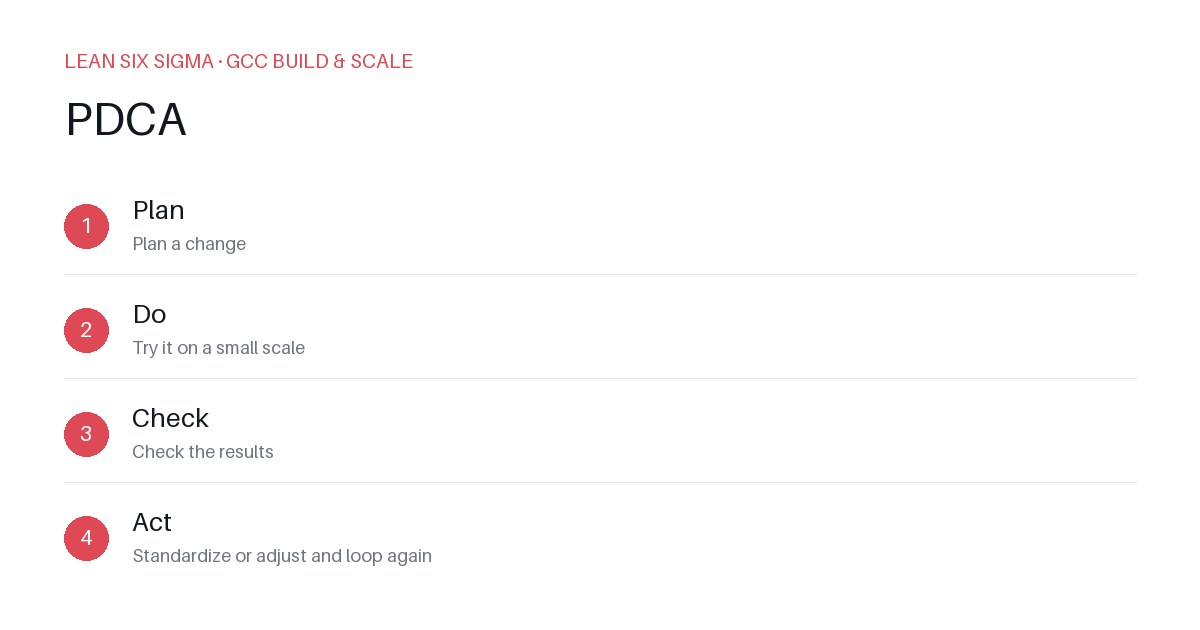
Downloadable templates
Run PDCA cycles on your GCC vendors to cut waste, fix defects, and keep your offshore delivery engine running smoothly.
PDCA Loops for GCC Vendor Governance
Start with a Clear Problem
Don’t guess what’s broken. Pick one vendor issue that hurts your GCC: late releases, high defect rates, or slow change approvals. Write it as a measurable statement. Example: “Vendor X delivers 18% of stories past the sprint deadline each month.”
To make this actionable, involve your GCC team in identifying the pain point. Hold a quick retrospective focused solely on vendor performance. Use data from your project management tools—Jira, Azure DevOps, or ServiceNow—to pull exact numbers. Avoid vague complaints like “the vendor is slow.” Instead, quantify delays, defects per release, or turnaround times for change requests. A clear problem statement ensures everyone agrees on what needs fixing and how you’ll measure improvement.
Plan a Targeted Change
Design one small experiment to test a fix. Keep it narrow and time-bound. Options:
- Shift code reviews to a shared tool with SLA tracking.
- Move to daily 15-minute standups between your GCC and the vendor.
- Add a definition-of-ready checklist for incoming tickets.
Define success: “Reduce late deliveries to under 8% in 4 weeks.”
Before launching, align with the vendor on the change. Communicate that this is a pilot, not a permanent mandate. Document the baseline metrics so you can compare results objectively. For example, if switching to a shared code review platform, record current average review turnaround time and the percentage of reviews completed within the sprint window.
Run the Experiment
Execute the change for a set period. Track data daily. Don’t tweak mid-run. Note what happened, not just what you expected. If you switched to shared code reviews, log how many reviews were completed on time.
Assign a single owner from your GCC team to monitor the experiment. Use a simple tracking sheet or dashboard to capture daily metrics. Avoid adding new variables during this phase—stick to the one change you’re testing. At the end of the period, compile the data and prepare for analysis.
Check and Decide
Compare results to your target. If you hit it, keep the change and document it. If not, adjust and run another loop. Example: If late deliveries dropped to 10%, that’s progress but not enough. Plan a new loop to fix the root cause—maybe unclear acceptance criteria.
Conduct a brief review meeting with both your GCC and the vendor. Discuss what worked, what didn’t, and why. If the change is successful, formalize it into standard operating procedures. If it falls short, identify the gap and design a refined experiment. Remember, PDCA is iterative—each loop builds on the last.
Scale Across Vendors
Once a loop works, replicate it. Create a one-page run sheet for your GCC team:
- Problem statement
- Action tested
- Results
- Decision: Keep, adjust, or stop
Rotate who runs the loop. Build governance into your regular vendor reviews, not as an afterthought. PDCA isn’t a project—it’s how you keep your GCC delivery predictable.
Comments
Be the first to comment on this post.
Sign in to leave a comment.