SIPOC Mapping to Stand Up a New GCC Function
October 11, 2026
Like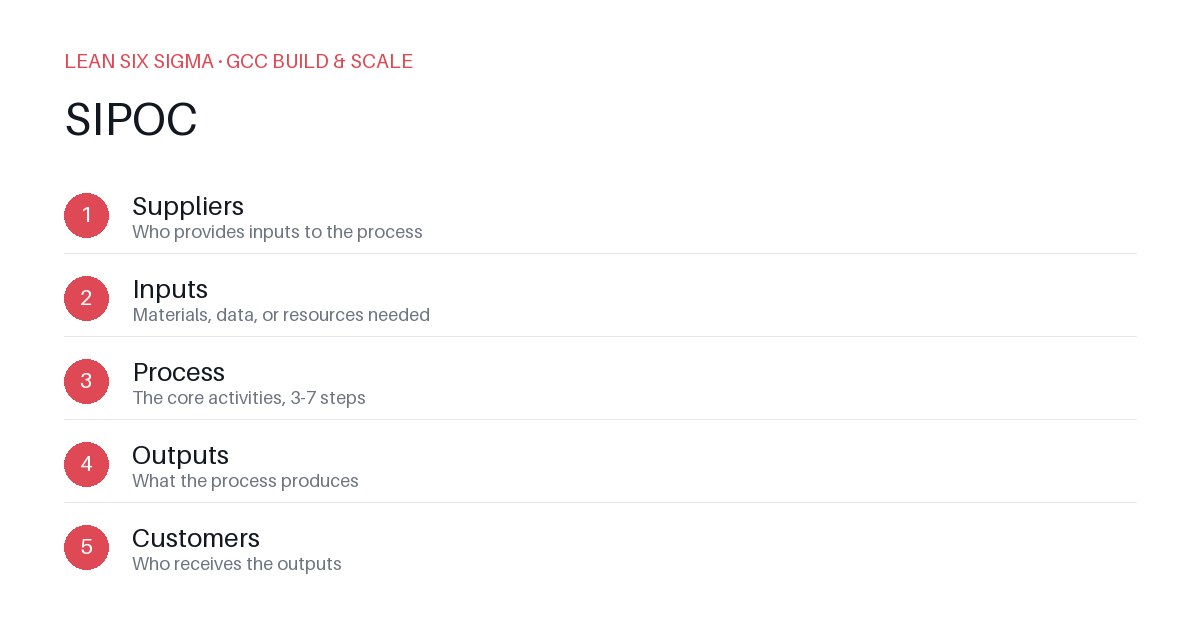
Downloadable templates
Use a SIPOC map to define inputs, processes, outputs, and control points for launching a new GCC capability.
Defining the Scope with SIPOC
When you add a new function to a Global Capability Center (GCC), you need a shared view of what the function does. A SIPOC map gives you that. It forces you to name suppliers, inputs, processes, outputs, and control points before you hire, tool up, or document. The result is a lean, specific blueprint instead of a vague mandate.
Identifying Suppliers and Inputs
Start with the left side. List every supplier that feeds the new function. These can be internal teams, external vendors, or systems.
- People: Product owners, subject matter experts, compliance officers.
- Systems: CRM, ERP, data lakes, ticketing tools.
- Documents: SOPs, policies, training materials.
For each supplier, define the inputs clearly. Vague inputs cause rework later.
- Bad: "Requirements from product."
- Good: "Product backlog items tagged as GCC-ready with acceptance criteria."
Mapping the Core Processes
The center of the SIPOC holds the process steps. Keep them high-level but specific enough to assign owners.
- Process 1: Intake and triage incoming requests.
- Process 2: Assess feasibility and resource fit.
- Process 3: Execute the function with quality gates.
- Process 4: Deliver outputs and capture metrics.
Use verbs that describe action, not nouns. This makes it easy to later break each step into a value stream map.
Defining Outputs and Customers
The right side shows what the function produces and who consumes it.
- Outputs: Standardized deliverables, trained teams, improved cycle times.
- Customers: End users, downstream processes, leadership stakeholders.
Specify quality attributes for each output. For example:
- Deliverables must pass a peer review checklist.
- Training materials must achieve a 90% completion rate.
Setting Control Points
Control points are where you measure and adjust. Place them at key decision gates in your process.
- Gate 1: After intake, check if the request meets GCC scope.
- Gate 2: After feasibility assessment, confirm resource allocation.
- Gate 3: After execution, verify output quality against standards.
Tie each control point to a metric. Without metrics, control points are just checkboxes.
Using the Map for Execution
Turn the SIPOC into a launch plan:
- Assign owners to each process and supplier.
- Define SLAs for inputs and outputs.
- Build dashboards to track control point metrics.
- Review and refine the map after the first 30 days of operation.
This keeps the GCC function aligned with business needs and ready to scale.
Comments
Be the first to comment on this post.
Sign in to leave a comment.