Using DMAIC to Fix GCC Onboarding Delays
August 18, 2026
Like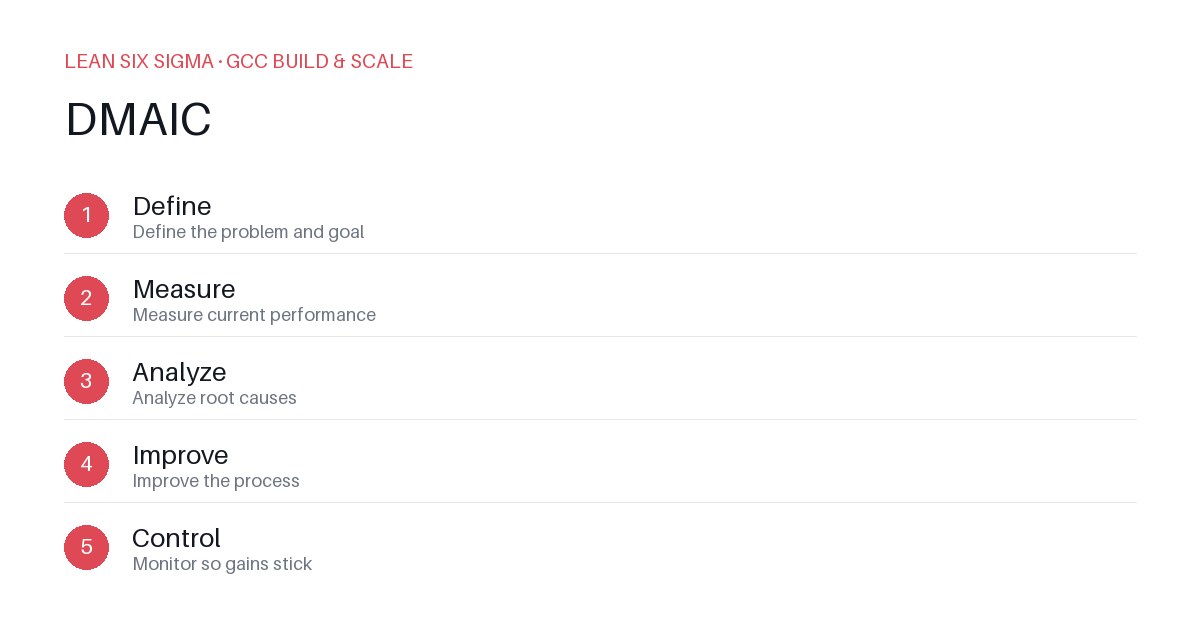
Downloadable templates
A practical walkthrough of applying DMAIC to real GCC build-and-scale work.
Why DMAIC Matters for GCC Teams
Scaling a Global Capability Center means standardizing work across sites, handoffs, and teams that have never worked together before. Without a structured framework, teams often reinvent processes, create bottlenecks, and lose visibility into where delays originate. DMAIC gives you a shared vocabulary and a repeatable sequence for doing that. It turns chaotic onboarding experiences into measurable, improvable workflows — especially when you’re dealing with complex systems like GCC (Global Capability Center) onboarding, where delays can cascade into missed deadlines, reduced productivity, and frustrated stakeholders.
The DMAIC Sequence
- Define — Define the problem and goal
- Measure — Measure current performance
- Analyze — Analyze root causes
- Improve — Improve the process
- Control — Monitor so gains stick
Applying It to GCC Onboarding Delays
Start small: pick one recurring pain point your GCC team hits every week, and walk it through these 5 steps before rolling the approach out more broadly. For example, if new hires consistently take 10 days to become fully productive instead of the target 5 days, that’s your starting point. Don’t jump to solutions — first, map the entire onboarding journey from day zero to full integration. Identify where tasks stall, which approvals take longest, and where communication breaks down.
Step 1: Define — Pinpoint the Exact Problem
Instead of saying “onboarding is slow,” specify: “New GCC analysts require 12 days to complete their first independent project, compared to the 5-day target.” Include scope: which roles, which sites, which systems. Set success criteria: “Reduce time-to-productivity by 50% within 90 days.” This clarity prevents scope creep and keeps the team focused.
Step 2: Measure — Capture Baseline Data
Collect real numbers: average days from hire to first deliverable, time spent in IT setup, number of rework cycles, stakeholder satisfaction scores. Use timesheets, ticketing systems, and quick pulse surveys. Don’t rely on anecdotes — quantify the gap. If IT provisioning averages 4 days and training takes 3, you’ve found your largest levers.
Step 3: Analyze — Uncover Root Causes
Use a fishbone diagram or 5 Whys to drill down. Is the delay caused by delayed access credentials? Unclear role expectations? Lack of buddy support? Map each delay to a process step. You might discover that 60% of delays stem from manual approvals in the HR system, or that new hires don’t know where to find onboarding materials. Prioritize causes by impact and effort.
Step 4: Improve — Design and Test Solutions
Pilot fixes: automate access provisioning via API, create a centralized onboarding portal, assign dedicated onboarding champions. Run a small-scale trial with one cohort. Measure results against your baseline. If automation cuts IT setup from 4 to 1 day, scale it. Document what worked, what didn’t, and why.
Step 5: Control — Embed and Monitor
Standardize the improved process. Add checkpoints: weekly dashboards tracking time-to-productivity, monthly reviews of approval bottlenecks, feedback loops for continuous refinement. Assign ownership — someone must own the metric. Without control, gains evaporate.
Download the template below to run your first pass.
Comments
Be the first to comment on this post.
Sign in to leave a comment.