Using DMAIC to Fix GCC Onboarding Delays
October 1, 2026
Like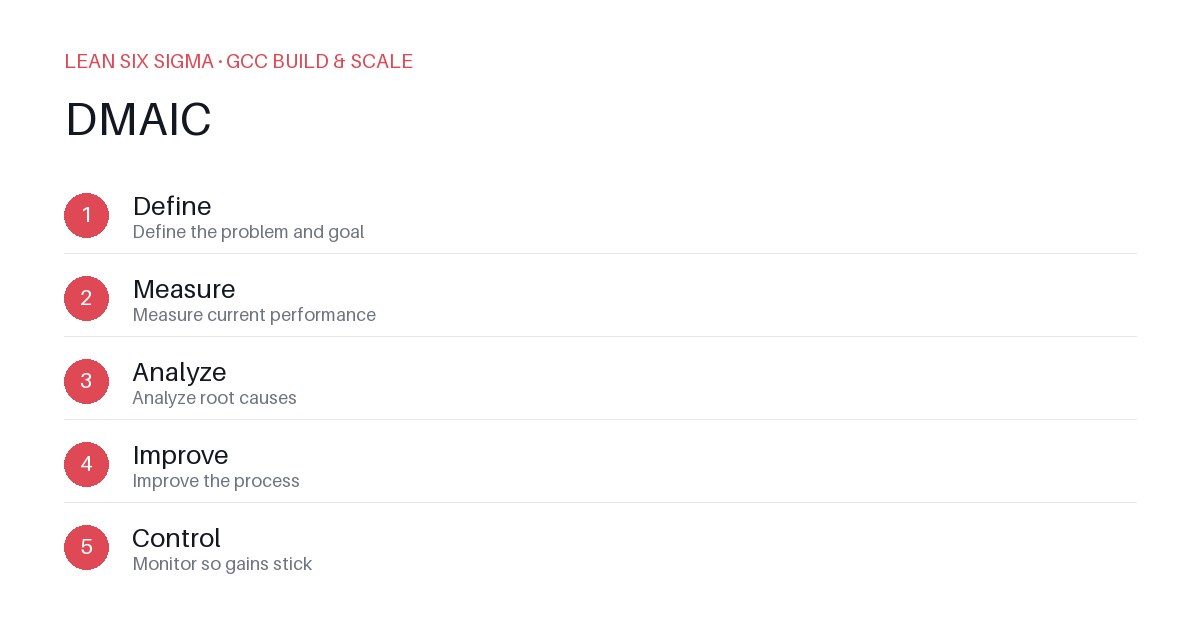
Downloadable templates
A practical walkthrough of applying DMAIC to real GCC build-and-scale work.
Using DMAIC to Fix GCC Onboarding Delays
Why DMAIC Matters for GCC Teams
Scaling a Global Capability Center means standardizing work across sites, handoffs, and teams that have never worked together before. DMAIC gives you a shared vocabulary and a repeatable sequence for doing that. When onboarding delays hit, teams often blame “culture” or “lack of resources.” DMAIC forces you to look at the process itself — where work stalls, what data is missing, and which steps add friction. This shifts the conversation from “who’s to blame” to “what’s broken and how do we fix it.”
The DMAIC Sequence
- Define — Define the problem and goal
- Measure — Measure current performance
- Analyze — Analyze root causes
- Improve — Improve the process
- Control — Monitor so gains stick
Applying It
Start small: pick one recurring pain point your GCC team hits every week, and walk it through these 5 steps before rolling the approach out more broadly. Download the template below to run your first pass.
Step 1: Define — Pinpoint the Exact Onboarding Bottleneck
Instead of saying “onboarding is slow,” define the problem with specificity. Example: “New analysts take 14 days to complete their first client deliverable, but the target is 7 days.” Break this into measurable milestones: access provisioning, system training, mentor assignment, first task completion. Identify who owns each milestone and what success looks like at each stage. Write a clear problem statement that includes: who is affected, what the impact is, and what the desired state is.
Step 2: Measure — Collect Baseline Data Before Making Changes
You can’t improve what you don’t measure. Track cycle time from day one of onboarding to first deliverable. Log delays at each handoff: IT provisioning, LMS completion, manager sign-off, tool access. Use timestamps, not estimates. If your GCC team spans three time zones, standardize the clock. Create a simple dashboard that shows average days, variance, and top delay points. This data becomes your baseline — everything you measure after improvements will be compared against it.
Step 3: Analyze — Find the Real Root Causes, Not Symptoms
Use a fishbone diagram or 5 Whys to dig into the measured delays. Is it really “lack of training,” or is it “IT takes 3 days to provision access because requests are queued”? Is the delay in mentor availability, or in unclear task briefs? Separate controllable factors from external dependencies. Prioritize issues that have the highest impact and lowest effort to fix. Document findings clearly so the team agrees on what’s actually causing the delay — not what it looks like on the surface.
Step 4: Improve — Test Small, Fast Fixes
Don’t overhaul the entire onboarding program at once. Pick one or two high-impact bottlenecks and test solutions. Examples: automate IT access requests via a ticketing rule, create a pre-built onboarding checklist with embedded links to training, assign onboarding buddies instead of waiting for formal mentor matching. Run these changes as a pilot with 5–10 new hires. Track the same metrics from Step 2. If cycle time drops, scale the fix. If not, iterate. Document what worked, what didn’t, and why.
Step 5: Control — Lock in Gains and Prevent Backsliding
Improvements fade without monitoring. Build the new process into standard operating procedures. Add a weekly review of onboarding metrics to your GCC leadership standup. Assign an owner for each milestone. Set alerts when delays exceed thresholds. Conduct quarterly process audits to ensure compliance. Celebrate wins publicly to reinforce the new standard. DMAIC isn’t a one-time project — it’s a discipline. Repeat it for other GCC pain points, and you’ll build a culture of continuous process improvement.
Comments
Be the first to comment on this post.
Sign in to leave a comment.