Using DMAIC to Fix GCC Onboarding Delays
October 4, 2026
Like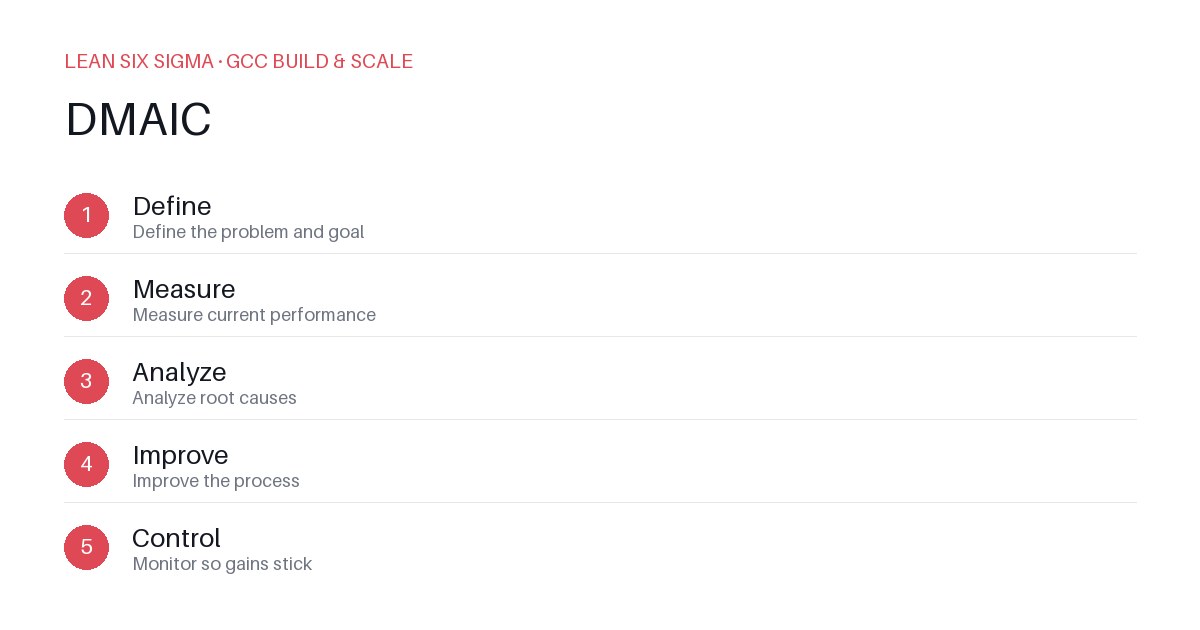
Downloadable templates
A practical walkthrough of applying DMAIC to real GCC build-and-scale work.
Using DMAIC to Fix GCC Onboarding Delays
Why DMAIC Matters for GCC Teams
Scaling a Global Capability Center means standardizing work across sites, handoffs, and teams that have never worked together before. DMAIC gives you a shared vocabulary and a repeatable sequence for doing that. When onboarding delays stall new hires, they don’t just delay productivity — they erode trust in the GCC’s ability to deliver. DMAIC turns vague complaints like “onboarding is slow” into measurable, solvable problems.
The DMAIC Sequence
- Define — Define the problem and goal
- Measure — Measure current performance
- Analyze — Analyze root causes
- Improve — Improve the process
- Control — Monitor so gains stick
Applying It
Start small: pick one recurring pain point your GCC team hits every week, and walk it through these 5 steps before rolling the approach out more broadly. Download the template below to run your first pass.
Step 1: Define — Pinpoint the Exact Onboarding Failure
Don’t start with “onboarding is slow.” Start with specifics. Is it IT provisioning? Access approvals? Training completion? Use the problem statement format: “From [start] to [end], we are experiencing [problem], which results in [impact].” For example: “From day 1 to day 5, new engineers wait an average of 4.2 days for system access, delaying their first meaningful contribution.” This clarity ensures you’re solving the right problem and aligns stakeholders on what success looks like.
Step 2: Measure — Quantify the Current State
Gather baseline data before making changes. Track cycle times, approval bottlenecks, and drop-off points. Use tools like Jira, ServiceNow, or even simple spreadsheets to log when each step begins and ends. Calculate metrics like average onboarding duration, percentage of hires completing setup by day 3, and number of rework loops. Without accurate measurement, you can’t tell if improvements are real or just perceived.
Step 3: Analyze — Uncover Root Causes, Not Symptoms
Use techniques like 5 Whys, fishbone diagrams, or value stream mapping to dig beneath surface issues. For instance, if access approvals take too long, is it due to lack of delegation? Unclear ownership? Manual handoffs? Interview stakeholders, review process maps, and identify which steps add value and which create friction. Often, the real problem isn’t the process itself — it’s the handoff between teams that lacks accountability or clarity.
Step 4: Improve — Test and Implement Targeted Solutions
Don’t overhaul everything at once. Pilot changes on one team or one cohort. Examples: automate IT provisioning via scripts, create a single point of contact for access requests, or implement a checklist with SLA deadlines. Run a pilot, measure results, and refine. Document what worked, what didn’t, and why. This iterative approach reduces risk and builds confidence in the new process.
Step 5: Control — Embed Gains into Daily Operations
Sustaining improvements requires monitoring and accountability. Set up dashboards, schedule regular reviews, and assign owners for each step. Incorporate onboarding metrics into team performance reviews. Celebrate wins publicly to reinforce the new standard. Control isn’t about policing — it’s about making the improved process the path of least resistance.
Next Steps
DMAIC isn’t a one-time project; it’s a mindset. Apply it to other GCC pain points — deployment delays, quality escapes, or cross-site collaboration gaps. The same framework that fixes onboarding can accelerate your entire capability center. Start with one process, measure rigorously, and scale what works.
Comments
Be the first to comment on this post.
Sign in to leave a comment.