Using DMAIC to Fix GCC Onboarding Delays
October 25, 2026
Like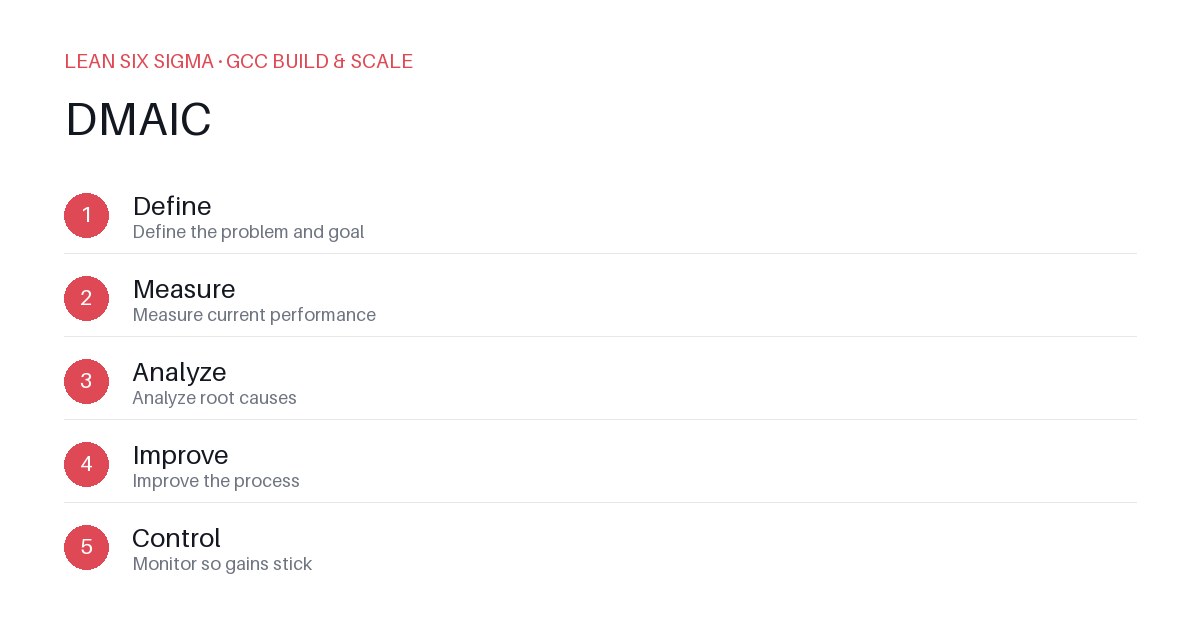
Downloadable templates
A practical walkthrough of applying DMAIC to real GCC build-and-scale work.
Using DMAIC to Fix GCC Onboarding Delays
Why DMAIC Matters for GCC Teams
Scaling a Global Capability Center means standardizing work across sites, handoffs, and teams that have never worked together before. DMAIC gives you a shared vocabulary and a repeatable sequence for doing that. When onboarding delays stall project momentum, teams often blame the new hire or the training program. DMAIC shifts the focus from people to process, revealing where bottlenecks actually live. This structured approach helps GCC leaders diagnose why onboarding takes weeks instead of days, and implement fixes that are measurable, sustainable, and easy to replicate across regions.
The DMAIC Sequence
- Define — Define the problem and goal
- Measure — Measure current performance
- Analyze — Analyze root causes
- Improve — Improve the process
- Control — Monitor so gains stick
Applying It
Start small: pick one recurring pain point your GCC team hits every week, and walk it through these 5 steps before rolling the approach out more broadly. Download the template below to run your first pass.
Step 1: Define the Onboarding Problem Clearly
Begin by writing a specific problem statement. Instead of saying “onboarding is slow,” state: “New analysts take 14 days to become productive, but the target is 7 days.” Include scope: which roles, which sites, and which metrics matter. Set clear success criteria — for example, reduce time-to-productivity by 50% within three months, and achieve a 90% completion rate of onboarding tasks within the first week. This step ensures everyone agrees on what “fixed” looks like.
Step 2: Measure the Current State with Precision
Collect baseline data before making changes. Track cycle times for each onboarding phase: access provisioning, system setup, training completion, first task assignment, and manager check-ins. Use timestamps from HRIS, IT ticketing, and project management tools. Calculate average, median, and percentile times to spot outliers. Interview new hires and their mentors to capture qualitative friction points — like delayed IT access or unclear expectations. This data forms your “before” baseline and highlights where the most time is lost.
Step 3: Analyze Root Causes, Not Symptoms
Use a cause-and-effect diagram or 5 Whys technique to dig beneath surface issues. For instance, if training completion is delayed, ask why: Is the training platform slow? Are instructions unclear? Is there a single point of failure in approval workflows? Map dependencies between teams and identify handoff delays. Quantify the impact of each cause using data from Step 2. This analysis reveals whether delays stem from process design, tool limitations, or communication gaps — guiding where to intervene most effectively.
Step 4: Improve the Process with Targeted Changes
Design and test improvements based on your root cause analysis. Examples include: automating IT access provisioning, creating a standardized onboarding checklist with assigned owners, launching a buddy program to accelerate knowledge transfer, or compressing training modules into bite-sized, self-paced units. Run a pilot with a small group, measure results against your baseline, and refine. Document what worked, what didn’t, and why. This iterative improvement ensures changes are practical and aligned with team capacity.
Step 5: Control and Sustain Gains
Implement monitoring mechanisms to prevent regression. Set up dashboards that track onboarding cycle times weekly. Assign a process owner to review exceptions and trigger corrective actions. Incorporate feedback loops into regular team meetings. Celebrate wins to reinforce adoption. By embedding controls into daily operations, your GCC team ensures that faster onboarding becomes the new standard, not a one-time project.
Comments
Be the first to comment on this post.
Sign in to leave a comment.