5S for GCC Workspace and Digital Hygiene
August 19, 2026
Like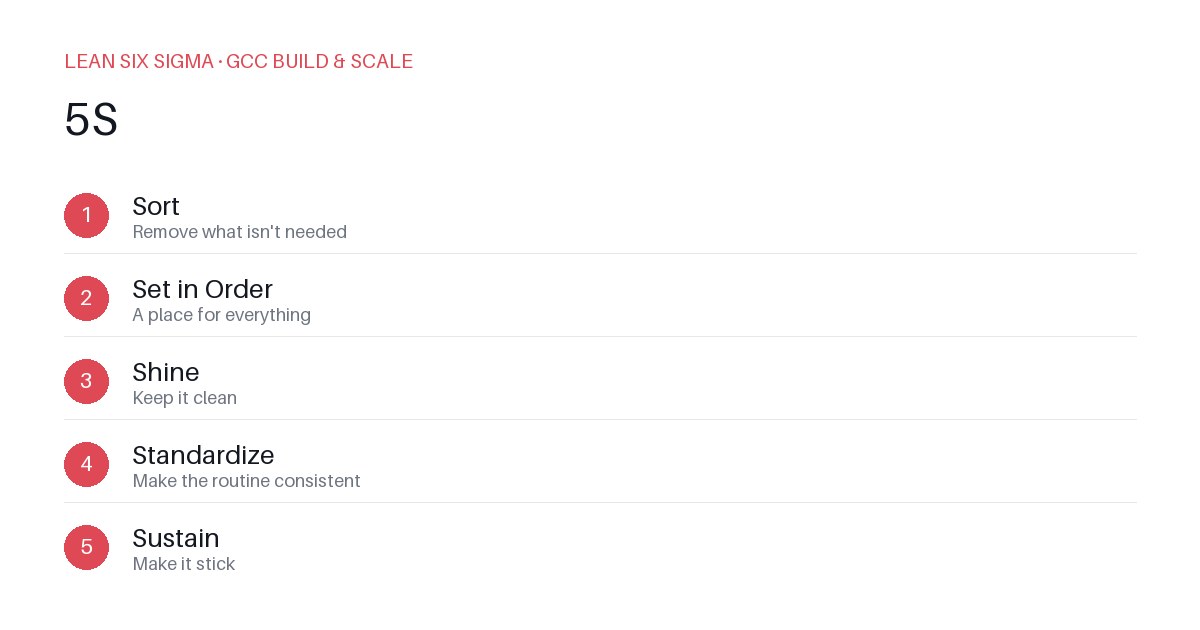
Downloadable templates
A practical walkthrough of applying 5S to real GCC build-and-scale work.
5S for GCC Workspace and Digital Hygiene
Why 5S Matters for GCC Teams
Scaling a Global Capability Center means standardizing work across sites, handoffs, and teams that have never worked together before. 5S gives you a shared vocabulary and a repeatable sequence for doing that. When teams operate from different time zones, cultural contexts, and tooling stacks, ambiguity becomes friction. 5S reduces that friction by turning chaos into clarity — not just in physical spaces, but in digital workflows, documentation, and collaboration patterns. It’s not about perfection; it’s about predictability. Predictability accelerates onboarding, reduces rework, and builds trust across distributed teams.
The 5S Sequence
- Sort — Remove what isn't needed
- Set in Order — A place for everything
- Shine — Keep it clean
- Standardize — Make the routine consistent
- Sustain — Make it stick
Applying It
Start small: pick one recurring pain point your GCC team hits every week, and walk it through these 5 steps before rolling the approach out more broadly. Download the template below to run your first pass.
Deep Dive: 5S in Practice for GCC Teams
Sort: Eliminate Digital and Process Clutter
Before organizing, you must prune. In a GCC context, “Sort” means asking: What tools, documents, meetings, or approval steps are no longer serving our current workflow? Examples include:
- Archiving outdated runbooks or SOPs that haven’t been updated in 18+ months
- Removing redundant Slack channels or Teams groups that duplicate communication
- Cutting approval layers that add latency without improving quality
- Deleting stale Jira/Asana boards or Confluence pages that confuse new hires
A practical exercise: conduct a “tool audit” with your team. List every digital resource you use weekly. For each, rate its utility (1–5) and last updated date. Flag anything below 3 or older than 6 months for removal or consolidation.
Set in Order: Design for Findability and Flow
Once clutter is removed, assign intentional locations. “A place for everything” in a digital GCC means:
- A single source of truth for onboarding checklists (e.g., a living Confluence page with version control)
- Standardized naming conventions for shared drives, repos, and ticket templates
- Clear RACI mappings for handoffs between sites (e.g., “Site A owns draft, Site B owns QA, Site C owns publish”)
- Visual workflows (like Miro or Lucidchart) that map the end-to-end process, not just individual tasks
Avoid “digital drawers” — folders without owners, links without context, or documents without review cycles.
Shine: Maintain Visibility and Quality
“Shine” isn’t just about cleanliness; it’s about making problems obvious. In GCC operations, this translates to:
- Weekly “health checks” on critical workflows (e.g., “Did everyone update their status in the tracker?”)
- Visual dashboards that surface bottlenecks in real time (e.g., cycle time, error rates, handoff delays)
- Regular cleanup rituals: monthly doc reviews, quarterly tool evaluations, biannual process audits
- Encouraging a “see something, say something” culture where team members flag outdated or confusing materials without blame
Standardize: Lock in the Good
Standardization turns good practices into repeatable systems. For GCC teams, this means:
- Documenting the “how” alongside the “what” — e.g., not just “run the deployment script,” but “run it from this env, with these credentials, during this window”
- Creating lightweight templates for recurring artifacts: meeting agendas, incident reports, handoff notes
- Aligning terminology across sites to prevent miscommunication (e.g., “done” vs. “tested” vs. “released”)
- Embedding 5S checkpoints into existing rituals — e.g., add a 5-minute “Sort/Shine” segment to weekly standups
Sustain: Build Accountability and Continuous Improvement
The hardest phase. Without reinforcement, 5S decays. To sustain it:
- Assign 5S champions per team or site — not as extra work, but as part of their core responsibilities
- Tie 5S adherence to performance metrics where appropriate (e.g., “% of docs reviewed in last 30 days”)
- Celebrate quick wins publicly: “Team X reduced onboarding time by 2 days after applying Sort and Set in Order”
- Conduct quarterly “5S retrospectives”: What’s working? What’s slipping? What needs tweaking?
Next Steps
5S isn’t a one-time project. It’s a mindset. Start with one workflow. Run it through Sort → Set in Order → Shine → Standardize → Sustain. Measure the impact. Then scale. Your GCC will thank you — faster handoffs, fewer errors, and teams that finally speak the same language.
Comments
Be the first to comment on this post.
Sign in to leave a comment.