Kaizen Habits for Distributed GCC Teams
November 1, 2026
Like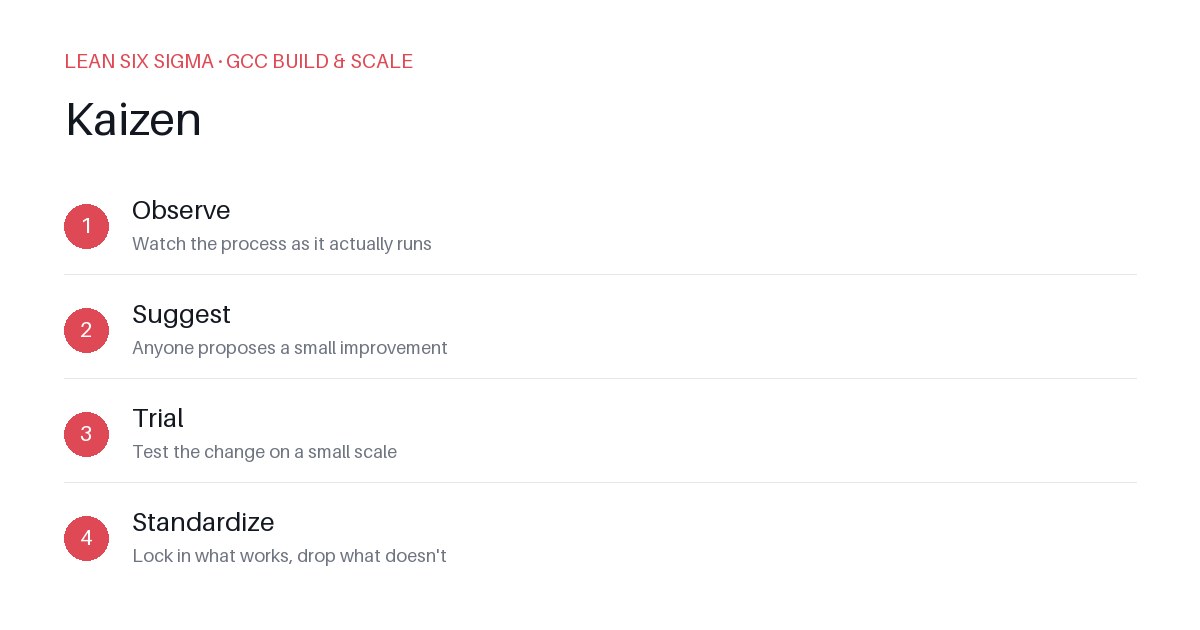
Downloadable templates
A practical walkthrough of applying Kaizen to real GCC build-and-scale work.
Kaizen Habits for Distributed GCC Teams
Why Kaizen Matters for GCC Teams
Scaling a Global Capability Center (GCC) means standardizing work across sites, handoffs, and teams that have never worked together before. In a distributed environment, friction is inevitable — time zones, language barriers, and varying local practices can turn simple processes into bottlenecks. Kaizen gives you a shared vocabulary and a repeatable sequence for doing that. It’s not about overhauling everything overnight; it’s about creating a culture where small, continuous improvements become the norm. When every team member — whether in Bangalore, São Paulo, or London — understands the same improvement cycle, alignment improves, rework decreases, and delivery velocity increases.
The Kaizen Sequence
-
Observe — Watch the process as it actually runs
Don’t rely on documentation or assumptions. Sit with the team, map the current state, and identify where time is lost, where errors occur, and where handoffs stall. Use tools like value stream mapping or simple time-tracking to make invisible work visible. -
Suggest — Anyone proposes a small improvement
Encourage a blame-free environment where frontline contributors — who see the pain points daily — are empowered to suggest changes. The best ideas often come from those doing the work, not from management. Keep suggestions focused, actionable, and limited in scope. -
Trial — Test the change on a small scale
Never implement a change globally without first testing it. Run a pilot with one team, one project, or one week. Measure the impact against baseline metrics. If the trial fails, that’s valuable data — not a setback. If it succeeds, you’ve proven the concept and built confidence for wider adoption. -
Standardize — Lock in what works, drop what doesn’t
Once a change is validated, update your playbooks, training materials, and automation scripts. Communicate the new standard clearly and ensure everyone knows why it’s in place. Regularly audit compliance and invite feedback to keep the standard alive and relevant.
Applying It
Start small: pick one recurring pain point your GCC team hits every week, and walk it through these 4 steps before rolling the approach out more broadly. Common starting points include:
- Handoff delays between analysis and development teams
- Inconsistent documentation causing rework
- Meeting overload reducing deep-work time
- Error rates in code reviews or test execution
For example, if your team notices that requirements are often reinterpreted during development, you might:
- Observe — Record how requirements flow from product owner to developer, noting where clarification happens and how long it takes.
- Suggest — Propose a lightweight “definition of ready” checklist that includes acceptance criteria and edge cases.
- Trial — Run the checklist with one squad for two sprints, tracking rework tickets and cycle time.
- Standardize — Add the checklist to your Jira workflow, train new hires, and review adoption monthly.
Download the template below to run your first pass. It includes guided prompts for each step, a simple metrics tracker, and a communication plan to share wins across sites. Consistency beats perfection — repeat the cycle, celebrate small wins, and let compounding improvements drive your GCC’s performance.
Comments
Be the first to comment on this post.
Sign in to leave a comment.