SIPOC Framework for Launching a New GCC Function
September 24, 2026
Like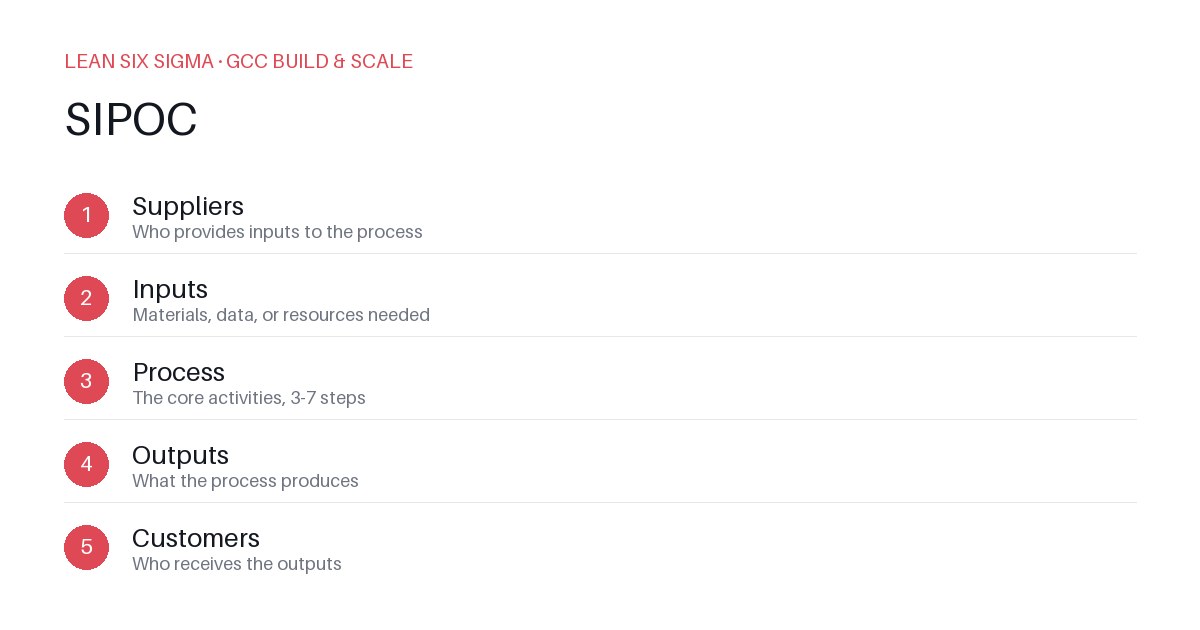
Downloadable templates
Use a SIPOC map to clarify inputs, processes, outputs, and controls when launching a new GCC capability from day one.
Define the Scope and Stakeholders
Start by naming the function. Don't write 'Process Improvement.' Write 'Automated Control of Procurement Exceptions.' Vague scopes create vague results. List every stakeholder who will touch this function. Include the future process owner, the IT support team, the finance approver, and the end-user in the supplier role. If you forget who cares, you'll miss a critical input or a necessary control. Draw a simple diagram showing where each stakeholder sits in the value chain. This becomes your reference point for the SIPOC map.
Identify the Suppliers and Inputs
A Supplier in a SIPOC map is any entity that provides something to your process. For a new GCC function, suppliers are often internal. The Supplier might be the legacy team handing off work, the IT department providing tools, or the customer providing raw data. List each supplier and their specific input. Be precise. Instead of 'Data,' write 'Weekly CSV exports from ERP containing transaction codes and error flags.' If the input is missing or poor quality, the process fails. Document the format, frequency, and quality standard for each input. This step prevents the common mistake of assuming data will just appear.
Map the Core Processes
Break the function into high-level steps. Avoid listing every click in a software tool. Focus on the value-adding or necessary steps. For example, if you are standing up a function for 'Supplier Quality Audits,' the processes might be: 1) Schedule audits, 2) Execute audit checklist, 3) Compile report, 4) Share results with supplier. Keep each process step to a single sentence. If a step feels like two actions, split it. This granularity helps you spot where handoffs occur and where delays usually happen.
Define the Customers and Outputs
The Customer receives the output. In a GCC context, the Customer is often the business unit you are supporting. Define the output clearly. Is it a dashboard? A standardized report? A trained resource? For 'Supplier Quality Audits,' the output is a 'Verified Audit Report with Corrective Action Plans.' Specify the format, delivery method, and acceptance criteria. The Customer's definition of 'done' must match your process output. If they expect a PDF and you provide a spreadsheet, the function has failed, even if the data is correct.
Establish Controls and Metrics
Controls are the checks that ensure the process runs consistently. For a new GCC function, controls often start as simple checks. Examples include: 'Output must be delivered by Friday at 5 PM,' 'Report must contain zero spelling errors,' or 'All audit questions must be answered.' Define the metric for each control. How will you measure success? Is it on-time delivery? Accuracy rate? Stakeholder satisfaction? Set baseline metrics from day one. You cannot improve what you do not measure. Use these metrics to drive continuous improvement after the function is live.
Review and Refine
A SIPOC map is not a one-time document. Review it with all stakeholders. Ask: 'What is missing?' 'Where is the bottleneck?' 'Is the output clear?' Adjust the map based on feedback. Update it as the function matures. This iterative approach ensures the map remains relevant and actionable. Use the SIPOC framework to align everyone on the function's purpose, inputs, processes, outputs, and controls. This alignment reduces ambiguity and accelerates the successful launch of your new GCC capability.
Comments
Be the first to comment on this post.
Sign in to leave a comment.