PDCA Loops for GCC Vendor Governance
October 12, 2026
Like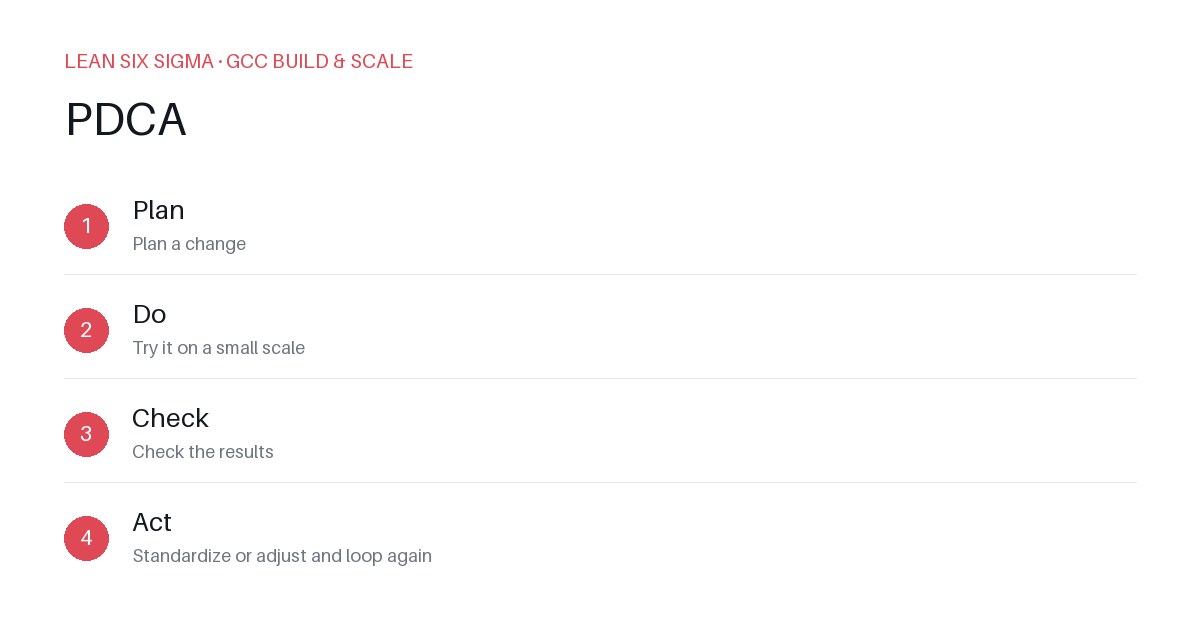
Downloadable templates
Run PDCA cycles to audit, adjust, and lock in vendor performance metrics without micromanaging your GCC partners.
The Problem with Static Vendor Contracts
Most GCCs sign a vendor contract and hope the service level agreements (SLAs) hold. They don’t. Vendors drift, scope creeps, and you’re left with a monthly report full of red flags.
Static governance fails because it treats the vendor relationship as a one-time transaction. It isn’t. It’s a living system. You need a loop that catches drift early and forces correction before it becomes a crisis.
Plan: Define What “Good” Looks Like
Start by mapping the exact capabilities your GCC needs. Don’t list vague goals. Be specific.
- Metric: Code deployment frequency. Target: 4x/week. Owner: Vendor DevOps Lead.
- Metric: Root cause analysis (RCA) closure time. Target: 48 hours. Owner: Vendor Quality Lead.
Document these in a single source of truth. Share it with the vendor. If they can’t agree on the metrics, they can’t deliver.
Do: Run the Loop, Don’t Just Report
Most GCCs run monthly reviews. That’s too slow. You need to run PDCA loops on a weekly or bi-weekly cadence.
- Weekly: Vendor team presents data against the Plan metrics. No slides. Just numbers and root causes.
- Action: If a metric misses by >10%, the vendor must submit a corrective action plan (CAP) within 48 hours.
Track these CAPs in a shared board. If the same issue appears twice, escalate to the GCC steering committee. Repeat the loop until the metric stabilizes.
Check: Validate with Data, Not Opinions
Stop trusting the vendor’s self-assessment. Cross-reference their data with your internal systems.
- Example: Vendor claims 99.9% uptime. Your monitoring tool shows 99.7%. The gap is your reality.
Use this data to validate the “Do” phase. If the data doesn’t match the claim, dig into the root cause. Is it a reporting error? A process gap? A tooling issue?
Act: Lock In Changes or Escalate
Once you identify a gap, you have two paths:
- Correct: Vendor fixes the issue. You verify the fix in the next loop.
- Escalate: If the vendor can’t fix it, you adjust the contract, reallocate work, or terminate.
Don’t let the loop stall. If a vendor fails three consecutive checks without improvement, you have a governance failure. Document it. Act on it.
Common Pitfalls to Avoid
- Too many metrics: Pick 3-5 critical ones. More than that creates noise.
- No owner: Every metric needs a named owner on both sides.
- No consequences: If there’s no escalation path, the loop becomes a formality.
Final Thought
PDCA isn’t a one-time audit. It’s a rhythm. Run it weekly. Keep it data-driven. And never let a vendor drift without a loop to catch them.
Comments
Be the first to comment on this post.
Sign in to leave a comment.