Running PDCA Loops for GCC Vendor Governance
October 25, 2026
Like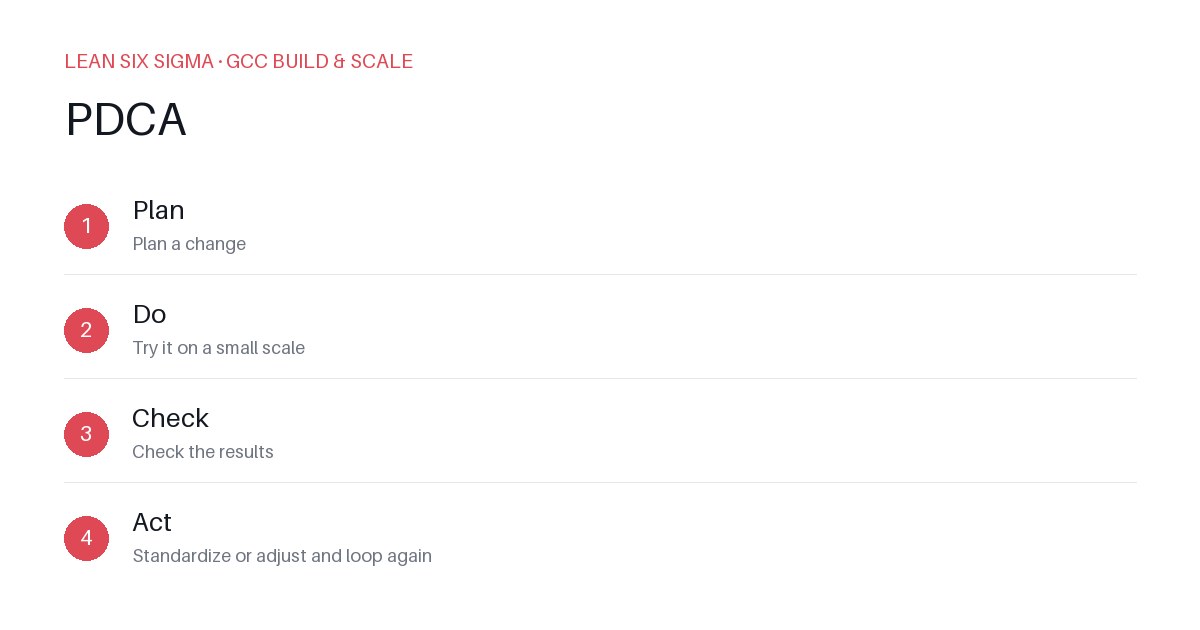
Downloadable templates
Use PDCA to fix vendor performance drift before it breaks your global capability center.
Start with a Specific Vendor Pain Point
GCCs rely on vendors for everything from cloud hosting to RPA tooling. When a vendor slips, your delivery timeline slips. Don’t chase symptoms. Pick one vendor and one metric.
Example: Your IBM RPA vendor is missing 30% of SLA targets on job completion time. That’s your focus. Not 'vendor performance' broadly. That metric.
Plan: Define the Baseline and Target
Gather last 90 days of data. Calculate the average job completion time. That’s your baseline.
Set a realistic target. If the baseline is 24 hours, aim for 18 hours in 60 days. Document this in a one-page PDCA plan.
Include these elements:
- Current state: 24-hour average completion time.
- Target state: 18-hour average completion time.
- Hypothesis: The delay is caused by manual handoffs between the vendor’s QA team and your internal ops team.
- Action steps: Implement a shared Slack channel for real-time status updates and reduce handoff steps from three to one.
Do: Test the Change in a Controlled Environment
Don’t roll this out to all vendors or all job types. Run a pilot.
Pick five high-volume job types. Apply the new Slack channel process. Track the completion time for the next 30 days.
Keep the rest of the vendor’s workflow unchanged. This isolates the variable.
Check: Measure Against the Baseline
After 30 days, compare the pilot data to the original 24-hour baseline.
Scenario A: Average time is now 19 hours. The change worked, but not enough.
Scenario B: Average time is 16 hours. The change worked better than expected.
Scenario C: Average time is 25 hours. The change failed. The new process added friction.
If Scenario A or B, you move to Act. If Scenario C, you go back to Plan and adjust the hypothesis.
Act: Standardize and Scale
If the pilot worked, document the new process. Update the vendor’s contract SLA if needed.
Roll it out to the next five job types. Then the next ten.
Assign an owner. The vendor manager owns the process. The ops team owns the daily check-ins.
Close the Loop
PDCA isn’t a one-time fix. It’s a rhythm.
Schedule a monthly PDCA review for this vendor. Review the metric. If it drifts, restart the loop.
Repeat this process for other vendors. Start with the ones causing the most pain. Fix one, then move to the next.
Common Mistakes to Avoid
- Too many variables: Changing the vendor, the tool, and the process at once. You won’t know what worked.
- No data: Relying on 'feels like it’s slower'. Use timestamps. Use logs.
- Skipping the Act step: You fixed it, then forgot to document it. The next quarter, it’s back to square one.
Next Steps
Pick your vendor. Pick your metric. Run a 30-day pilot. Track the data. Close the loop.
GCCs scale when governance is tight. PDCA keeps it tight.
Comments
Be the first to comment on this post.
Sign in to leave a comment.