PDCA Loops for GCC Vendor Governance
August 30, 2026
Like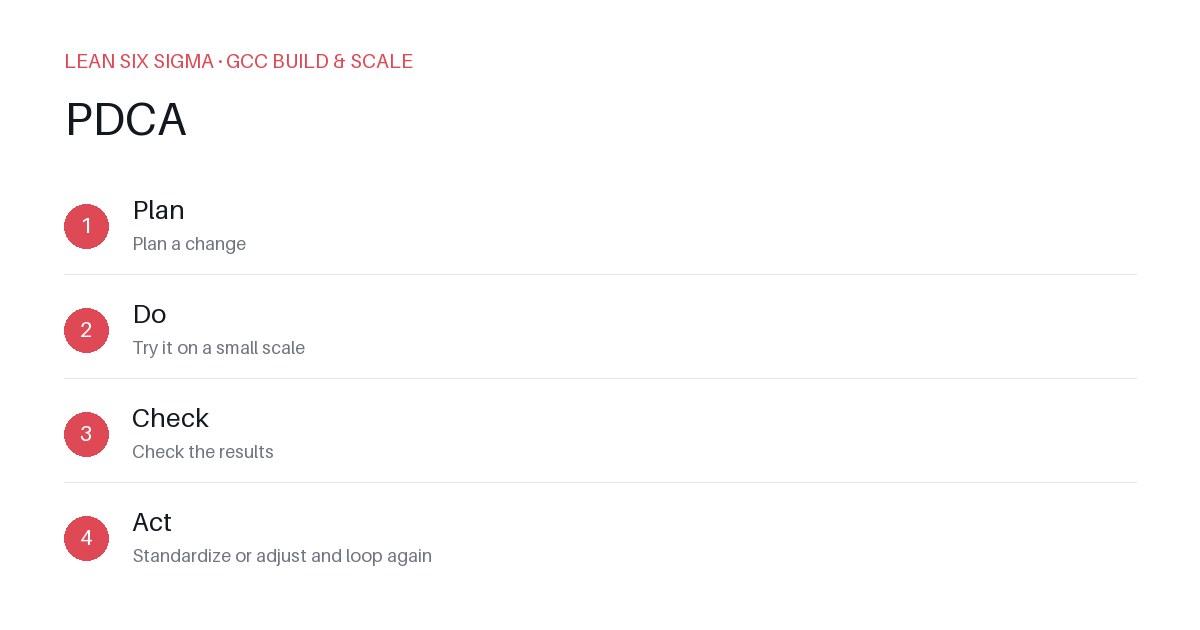
Downloadable templates
Stop letting vendor performance drift. Run tight PDCA cycles to govern your GCC partners with data, not guesswork.
Your Global Capability Center (GCC) might be staffed by a mix of in-house teams and external vendors. If you treat vendor governance like a set-it-and-forget-it contract, you’ll see quality slip, costs creep, and delivery dates stretch. The fix isn’t a bigger audit team. It’s a disciplined PDCA (Plan-Do-Check-Act) loop that runs continuously against your vendor performance data.
Plan: Define What “Good” Actually Looks Like
Most GCC vendors fail because “good” is never defined in measurable terms. Don’t rely on vague service level agreements (SLAs) like “timely delivery.”
- Define Leading Indicators: Instead of just tracking on-time delivery, track cycle time variance, defect density per sprint, and code review turnaround. These predict quality before a release goes live.
- Set Control Limits: Use historical data from your first three months of partnership to establish a baseline. Set your “good” threshold at 95% of the baseline performance. Anything below that triggers a review.
- Assign Ownership: Every KPI must have a single owner on the vendor side and a single owner on your internal GCC leadership team. Shared responsibility is no responsibility.
Do: Execute with Transparent Feedback
You can’t govern what you don’t measure in real time. Build a feedback loop that happens weekly, not quarterly.
- Standardize the Delivery Cadence: Require vendors to follow your exact sprint or wave structure. If you run two-week sprints, they run two-week sprints. Mismatched rhythms create handoff friction.
- Implement Joint Stand-ups: Hold a 15-minute daily sync between your internal team and the vendor lead. Focus only on blockers and quality risks. No status updates.
- Automate the Data Flow: Use your Jira, Confluence, or ALM tools to push vendor metrics directly to your internal dashboard. If your team has to ask the vendor for numbers, you’ve already lost control.
Check: Measure Against the Plan
Review the data against your control limits. If a vendor is hitting 90% of the target, that’s a warning sign. If they’re at 80%, that’s a failure.
- Run a Root Cause Analysis: When a metric dips, don’t blame the vendor. Run a 5-Whys or Fishbone diagram together. Often, the issue is a tooling gap, unclear requirements, or a missing training resource on your end.
- Categorize the Deviation: Is it a process issue (fixable with training), a people issue (needs resource swap), or a technical issue (needs tooling upgrade)? This determines your action step.
- Document Everything: Log every deviation and its resolution. This creates a knowledge base for onboarding future vendors and prevents repeating the same mistakes.
Act: Standardize and Improve
If the vendor fixes the issue, lock it in. If they don’t, escalate.
- Update the Process: If a recurring issue was caused by poor requirements, update your intake process to include a mandatory “definition of done” checklist before work begins.
- Adjust the Vendor Mix: If a vendor consistently fails to meet control limits despite two consecutive PDCA cycles, begin the transition plan. Start sourcing a backup vendor and slowly shifting work. Don’t wait for a contract end date.
- Reward Consistency: Vendors who hit their targets for three consecutive cycles should get a performance bonus or an expanded scope of work. Positive reinforcement works just as well as punishment.
The GCC Governance Reality
PDCA isn’t a one-time exercise. It’s a rhythm. Run these loops weekly for tactical issues and monthly for strategic vendor health. If you treat vendor governance as a continuous improvement loop, you’ll keep your GCC lean, predictable, and scalable. If you don’t, you’ll be managing chaos instead of capabilities.
Comments
Be the first to comment on this post.
Sign in to leave a comment.